

Being a mirror of real-life events, The Sims 4 lets us deal with a lot of heart-breaking stuff, including death. By now, most of us Simmers have wished for an easy way that would let us resurrect Sims back to life. And that is why we are here! In this post, we will talk all about resurrection methods in the game. We will give you all the information on how death and revival work for our Sims. By the end of this guide, you will know when and how to execute these advanced tricks to your advantage.

350 CC Items! Time to celebrate! 🎉
Before we begin: Thank you! We’re celebrating 3 years and 350+ CC items. As a gift, supporters can get all our free CC at once here: ALL IN ONE DOWNLOAD

Can You Bring a Dead Sim Back to Life?
It is quite a feat to bring a dead sim back to life in The Sims 4 because sadly, there is no actual, official cheat to resurrect Sims. Ever since the launch of the first The Sims game for PC, death has always been a massive part of the gameplay. As time passed by and the game evolved, more and more causes of death have been added to spice up the game and make our sim’s lives more eventful! Perhaps, our game developers did not want to take away the concept of dying in the Sims 4, as the game is a representation of our real lives, after all.
Ways to Resurrect Sims in the Game

It is, however, still possible to conquer death in-game and to restore our Sims back to their vital selves, as there are creative ways to undo death in The Sims 4 without cheating. Yep! You do not have to worry about losing your precious characters in the game, as we have gathered all the possible ways for you to resurrect Sims who have already crossed the other side. Read below to find out.
There is a total of 10 ways to revive your sims who have died in-game. Take note that not all of these resurrection tricks would be easy to achieve, but some are much easier than others. Select the best one for you and use it to bring your dead Sim back to life! Remember, there are no guarantees that your Sims will live, but if you try hard enough, maybe the gods of the game will be kind enough to bring them back. 😉
1. Exiting the Game without Saving
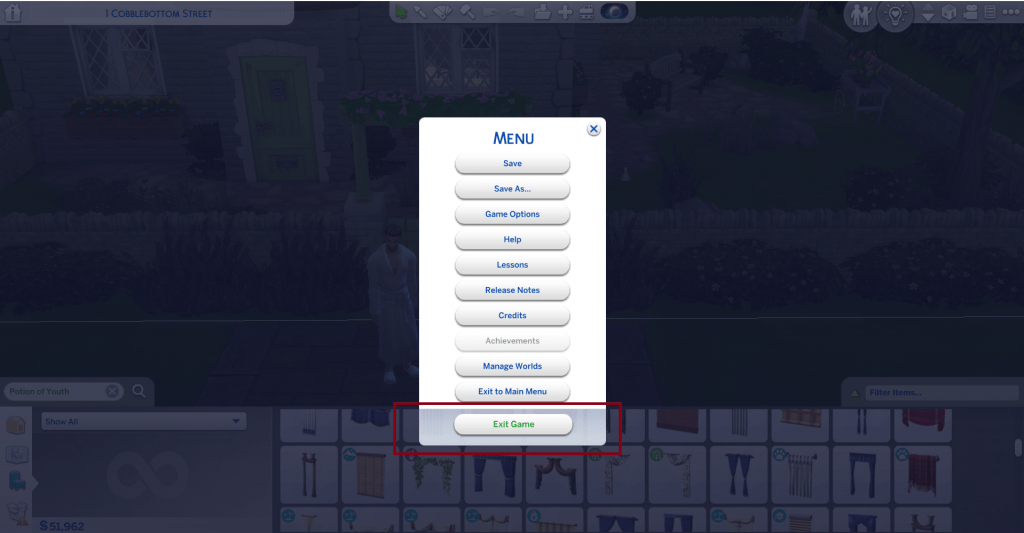
This is the easiest and fastest method to undo the death of your Sims in the game – to not save your progress and simply quit the game once the death occurs. Just click on the Main Menu and select “Exit Game” from the options without saving, which will then close the game. Then, when you launch the game once more, you will be able to resume the game during your old save point, wherein the death still has not occurred for your Sim. Voila!
However, the not-so-nice thing about this method is that it will also undo other progress you have made in the game, such as any skills your Sim may have worked on, any relationships that they may have developed with other Sims, or any life milestones that have occurred for them. But no worries. As long as your Sim lives, you can always recreate all these other game happenings! Nonetheless, you should always make sure to save your game from time to time so you can prevent the loss of progress in case you’d have to resort to this resurrection trick.
2. Pleading with the Grim Reaper
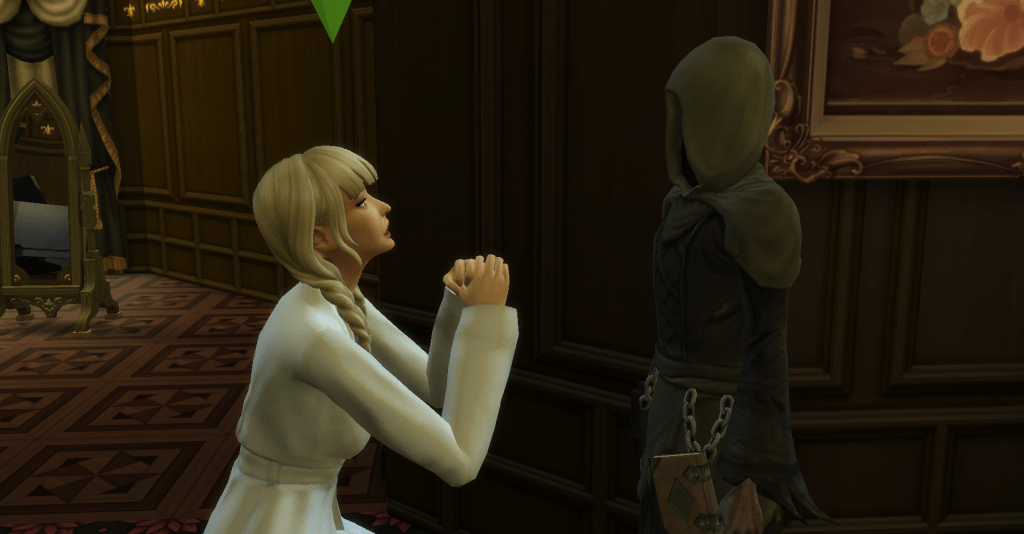
This is another effortless trick to reverse death in the game. This one has been available ever since the first Sims game, so it feels quite iconic each time an opportunity arises to use it in the Sims 4. In a straightforward sense, when your sim dies, another sim in your household must be available to ask the Grim Reaper for the possibility to resurrect Sims. Keep in mind that a sim who is in a “confident” or “flirty” mood would be your best bet for the pleading.
But then, we all know that pleading with the Grim Reaper is a game of chance. First of all, there is only a small window of time to plead with the Grim Reaper. If you’re not fast enough to catch him in the scene, he will already be midway through reaping the soul of the dead sim, and by this time, you will lose the chance to plead with him. So, do it immediately! Secondly, if you do succeed in begging him for the life of your dead Sim, there is only half a chance that your Sim will win in the begging. So, good luck with this method!
3. Giving a Death Flower to the Grim Reaper
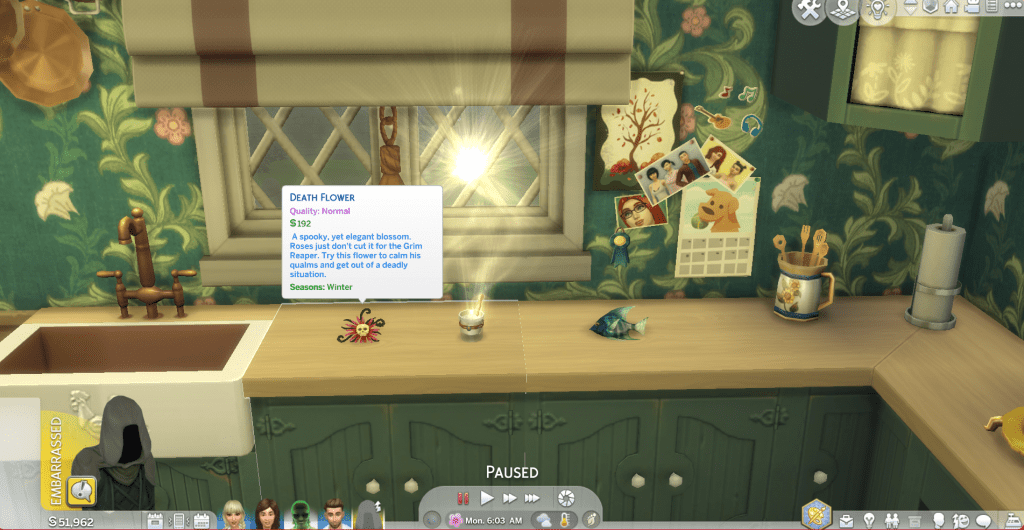
Apart from doing the regular pleading method when the Grim Reaper arrives at the death scene, there is one more way to ask the Grim Reaper to revive your dead sim—which will lead to success. If one of your Sims in the household is in possession of a Death Flower, they can give it to the Grim Reaper in exchange for the life of your dead Sim. Yes, you heard it right. The Grim Reaper will take the Death Flower kindly in place of harvesting the soul of your dead Sim. Here are some of the ways how you can obtain a Death Flower:
- Reach Level 5 in Gardening, which will allow you to graft plants. Then, graft a Lily with a Snapdragon to have an Orchid. After, graft an Apple with a Cherry to have a Pomegranate. Finally, graft the Orchid and Pomegranate together to have the prized Death Flower!
- Click CTRL + SHIFT + C. Next, type bb.showhiddenobjects on the cheat console then press enter. Go to Build Mode and search for the Death Flower in the items.
- Keep purchasing Rare Seed Packets. These seed packs are expensive, but sometimes they contain a Death Flower inside.
Learn more about the death flower by reading this detailed guide!
4. Writing the Book of Life

You can also create some items in the game to defy death. For example, writing the Book of Life is a great way to save sims from perishing permanently. When a sim has been bound to a Book of Life before death, they can then be summoned after death. These are the steps on how you can craft the Book of Life:
- Let your sim join and climb up the ranks of the Writing Career.
- Let the sim reach level 10 in the Writing Skill. Using cheats is the fastest way for you to max out this skill. Click CTRL + SHIFT + C to enable the cheat console. Next, enter testingcheats true and press enter. Then, type the following: stats.set_skill_level Major_Writing 10
- Complete the Bestselling Author aspiration for your writer sim. Achieving this would ensure that your sim has ample experience writing and publishing various books and bestsellers.
- An option to write the “Book of Life” would appear on the computer. Let your sim choose a specific sim to write this book for. Remember, your sim should write the book while that specific sim is still alive.
- When that said sim dies and turns into a ghost, you can select the Book of Life to summon that sim back to life.
- Your sim can keep writing the Book of Life for other specific sims whom they want to live forever.
Learn more about the book of life by reading this guide!
5. Consuming Ambrosia as a Ghost
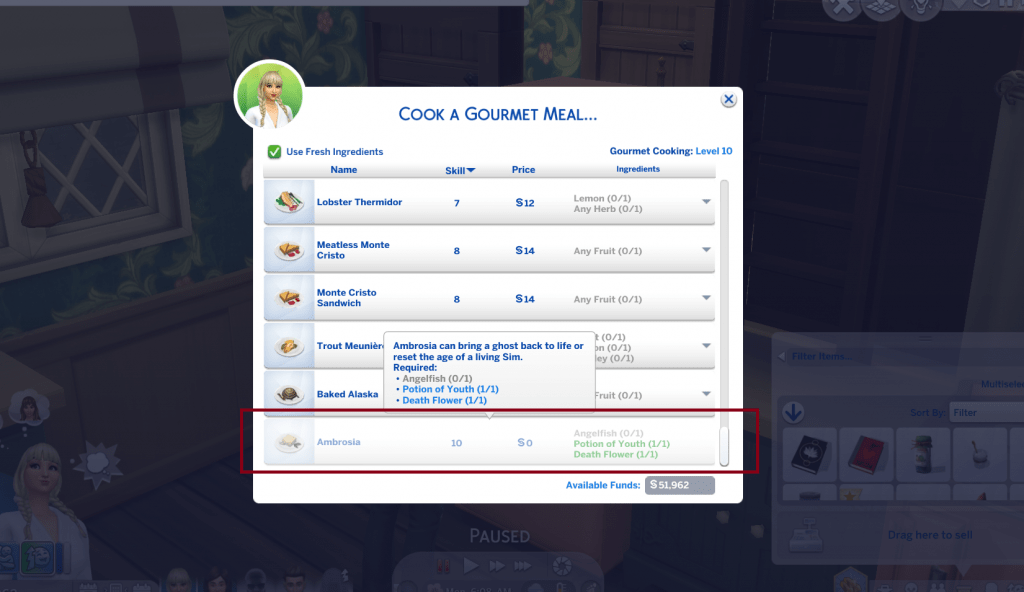
If you have ever played The Sims 3, you know how essential it is to have an Ambrosia on hand whenever death rings the doorbell for your sims. In The Sims 4, it still functions that way. Yep! Ambrosia is a mysterious and powerful food that could resurrect sims who have died. It is also famous for its ability to restore youth for older sims who never want to age. However, it is not easy to craft this particular meal, which requires your sim to obtain rare ingredients. But how do you produce Ambrosia?
- Get your sim to max out their Gourmet Cooking and Cooking skill levels. Check our article here to know how you can easily raise these skill levels.
- Obtain these three ingredients: Death Flower, Angelfish, and Potion of Youth. Check the section above to know how to get the Death Flower. For the Angelfish, go fishing at any river in Willow Creek and wait until you catch this special fish. Then, for the Potion of Youth, go to the Rewards Store and buy one for 1,500 satisfaction points.
- When the ingredients are complete, you can now cook the Ambrosia!
- If the ghost of your dead sim appears on your lot, you have to feed them the Ambrosia to resurrect them.
- A special tip: If you have a Spellcaster sim who knows the spell “copypasto”, once the three ingredients to Ambrosia have been obtained, let them replicate these. With plenty of these ingredients available, your sim can concoct the Ambrosia whenever needed.
More on SnootySims: How to Make Ambrosia in the Sims 4 – A Complete Guide
6. Trying the Wishing Well
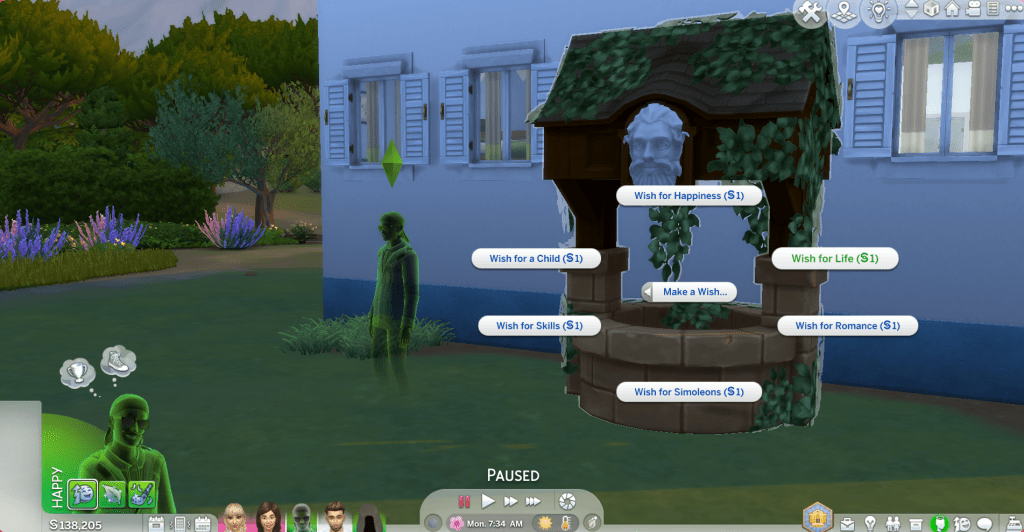
In case you have The Sims 4: Romantic Garden Stuff installed, and you haven’t quite explored the items in this stuff pack yet, there is an item you can purchase to try your luck in case a sim dies. The name of this item is Whispering Wishing Well. It is a hefty well embellished with intricate garden designs and built with the face of a Greek-looking god. You can buy it in Build Mode for 7,775 simoleons. If you have a sim who died and has turned into a ghost, let this dead sim rejoin your household. Then let this sim ghost make a wish on the well for life to be restored.
Before making the wish, check the face of the Greek-looking god on the well. Usually, this face offers a clue about the outcome of the wish being granted. If the god looks happy, there is a high chance that the wish will be successful. If the face looks evil, prepare for a high chance of failure for your sim. In granting the wish for life, here are all the possible outcomes:
- Overwhelmingly Positive – resurrects sims who have turned into a ghost and gives death immunity for 24 hours (they can only die of old age during that time).
- Positive – Your dead sims will receive an Ambrosia in their inventory which they can consume to live
- Neutral – Your dead Sim will receive an Angelfish, a Potion of Youth, and a Death Flower to be able to make Ambrosia.
- Negative – This rejects your dead Sim, without giving the money back.
- Overwhelmingly Negative – This makes your dead sim immune to resurrection for the next 4 hours (you can’t resurrect them during this time).
- Death – This grants instant resurrection and Death right after.
Here’s your ultimate guide to the Sims 4 wishing well!
7. Using Spellcasting
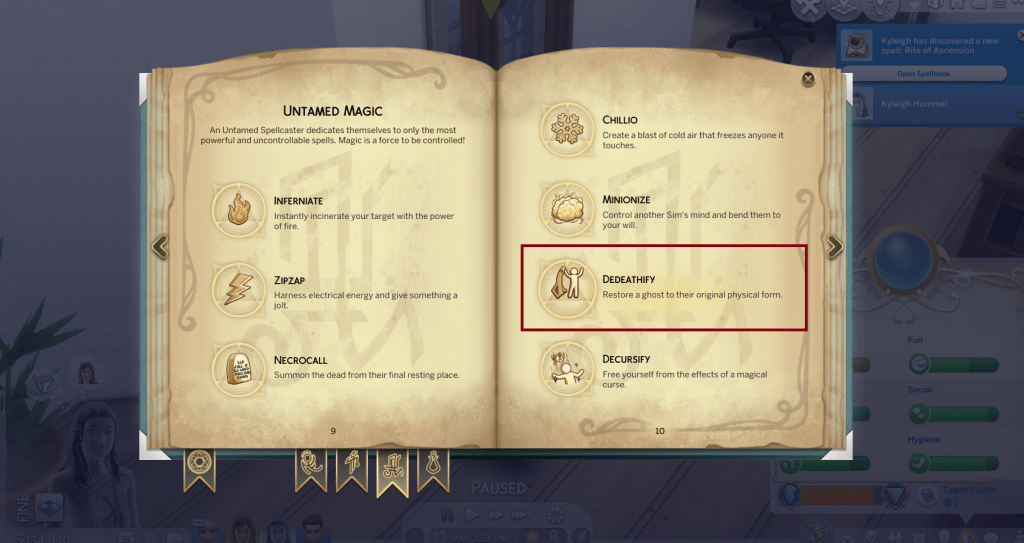
Having The Sims 4: Realm of Magic installed will also provide you with another brilliant method to keep your sims from facing the wrath of death. With the Realm of Magic, you can train Spellcasters to learn potent spells to help in their daily lives. When it comes to bringing a dead sim back to life, a spellcaster can cast “Dedeathify” to be able to reverse death. Let your Spellcaster practice their magic long enough until they learn this spell!
Or, you can also cheat your way to instantly equip your spellcaster with the Deadeathify spell. Just click CTRL + SHIFT + C to enable the cheat console. Next, enter testingcheats true and press enter. Then, type spells.unlock_spell spells_Untamed_4_Resurrect on the cheat console. Voila! They can now select the dead Sims whom they want to live again. Be careful though, because there is a high chance that magic will backfire for Spellcasters with high Spellcaster Charge.
8. Relying on the MC Command Center
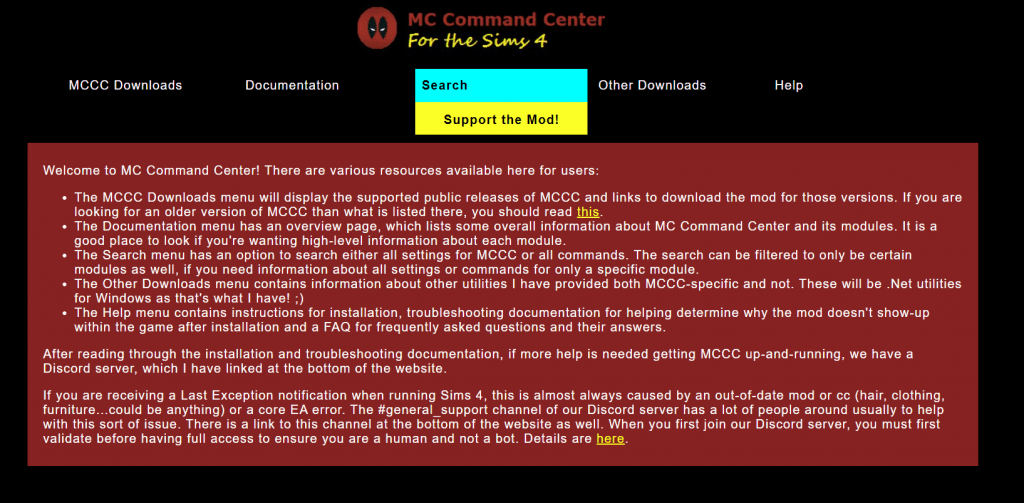
If you are tired of going through elaborate efforts to restore the lives of your dead sims in the game, there is, of course, a simpler method to resurrect them. The MC Command Center is your best bet in easily defying death in the game. This all-in-one mod helps Simmers in many aspects of The Sims 4, and it also proves to be helpful when it comes to undoing death. Here are the steps for using this ultra-powerful mod to bring your Sims back to life:
- Go to this site to download the MC Command Center. To better equip you, we have written this guide to help you navigate through all the details of this mod.
- In your game, when a sim dies, right-click on the body.
- Select “Sim Commands” from the options available.
- Click “Revive Sim”.
- Wait as your sim rises from the dead (Yep. It’s that easy!).
We totally recommend getting the MC Comand Center for all the right reasons! Learn more about it here!
9. Undoing Death by Removing Death Traits
There is another method to cheat your sim back to life. This method is a little bit unpopular because most Simmers are not aware of this little trick! This reliable cheat involves undoing the perishing of your sim, by using an easy cheat that is customizable, depending on the cause of death of your sim. Here is how you can use this cheat to help resurrect your sim:
- Click CTRL + SHIFT + C to enable the cheat console. Next, enter testingcheats true and press enter.
- Depending on the death of the sim, enter the following cheats:
- traits.remove_trait trait_ghost_drown – To resurrect a sim who died from drowning
- traits.remove_trait trait_ghost_electrocution – To resurrect a sim who died from electrocution
- traits.remove_trait trait_ghost_embarrassment – To resurrect a sim who died from embarrassment
- traits.remove_trait trait_ghost_frozen – To resurrect a sim who died from being frozen
- traits.remove_trait trait_ghost_hunger – To resurrect a sim who died from hunger
- traits.remove_trait trait_ghost_lightning – To resurrect a sim who died from lightning
- traits.remove_trait trait_ghost_oldage – To resurrect a sim who died from old age
- traits.remove_trait trait_ghost_elderexhaustion – To resurrect a sim who died from overexertion
- traits.remove_trait trait_ghost_poison – To resurrect a sim who died from poison
10. Turning Death Off in the Game
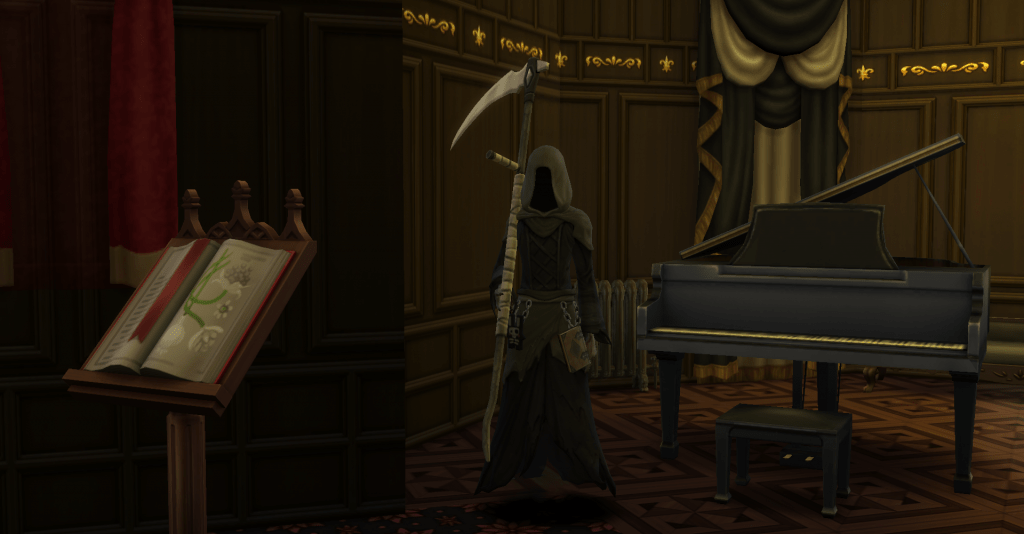
There is a way for you to keep yourself from resurrecting your dead sims over and over. It is by choosing the option wherein your sims never have to face death in the game again. Yes! There is a way to eliminate the aspect of your sims dying, at least, as long as you choose to. By using the following simple cheat, you can disable the concept of death. Click CTRL + SHIFT + C until the cheat console appears. Type testingcheats true then press enter. Next, type death.toggle false on the cheat console.
Doing this will prevent any kind of death from ever occurring in the game! The downside of this, however, is that it will lessen the thrill of dying in the game. There would be no more mourning, no more urns or tombstones, and no more new ghosts to haunt your lots. The Grim Reaper would also no longer appear. So, if it comes to a point that you’d like to enable deaths once more, you can just retype testingcheats true on the cheat console, then type and enter death.toggle true on the cheat bar.
How to Resurrect Sims on Xbox One and PlayStation 4
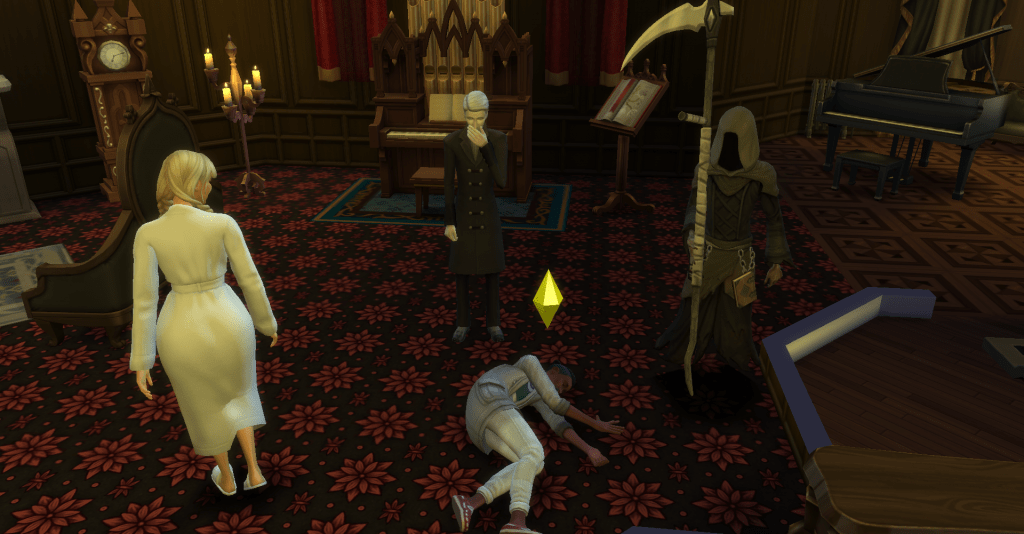
You can still employ most of the methods listed here to resurrect sims on Xbox One and PlayStation 4. You may still cook Ambrosia, write the Book of Life, try your luck on the Whispering Wishing Well, use the magic of Spellcasters, or plead and give a Death Flower to the Grim Reaper to help reverse the death for your sims. You may also still use the exit-without-saving method to easily assist you.
However, the MC Command Center resurrection method is limited to PC use. You cannot use this convenient mod for The Sims 4 on Xbox One and PlayStation 4 to bring your dead sims back to life. So, choose from the other options available!
In Conclusion
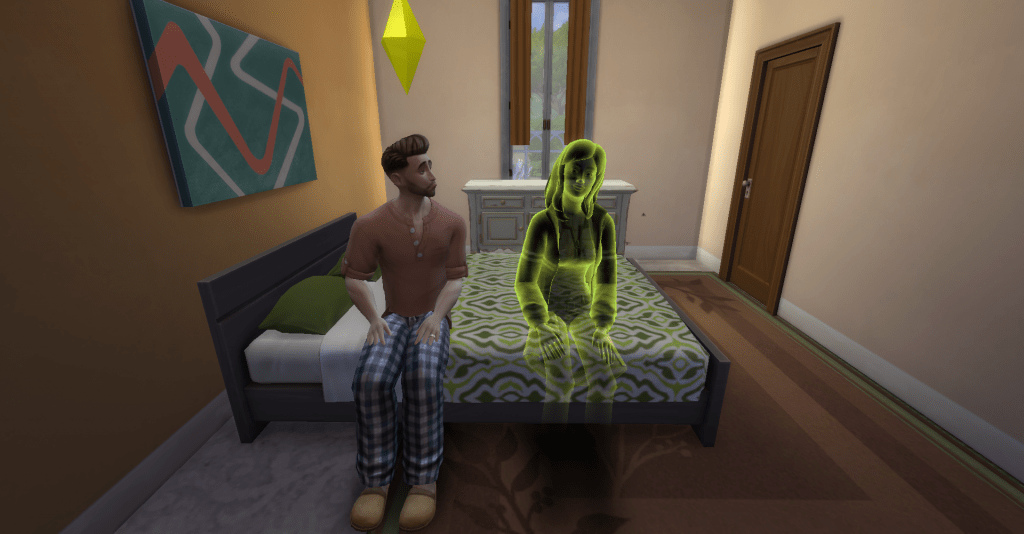
It’s never a nice thing whenever we encounter deaths in the game, as it means losing our beloved sims. Yet sometimes, it really is fun to play with the demise of our sims in the game! We find entertainment in seeing them die sometimes. After all, such events are just a simulation of real life. Plus, isn’t it ultra-awesome to have ghosts floating around and haunting our lots? It fills our gameplay with so much thrill.
Whatever way you find yourself playing The Sims 4, you will surely have moments when you encounter the deaths of Sims that you want to reverse. Hence, with these helpful tricks and tips that we gathered for you, it will be much easier to deal with unwanted deaths in the game, as you can always bring your Sims who have perished, back to life. Happy playing, dear simmers!