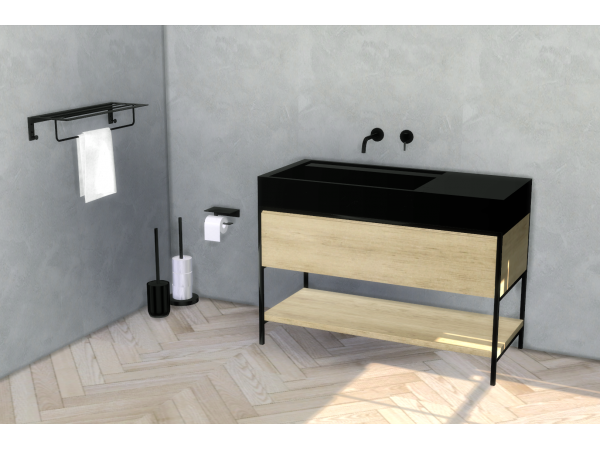
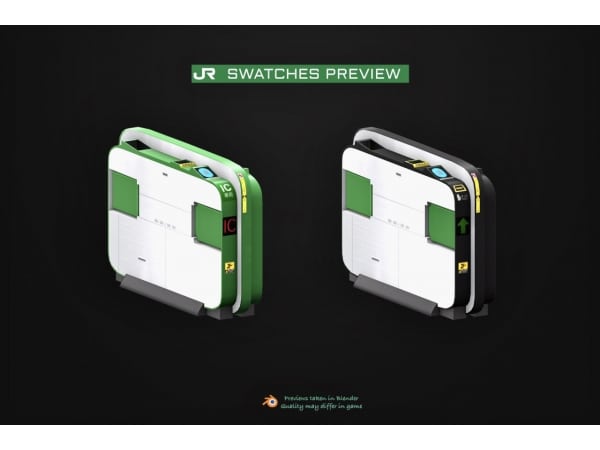
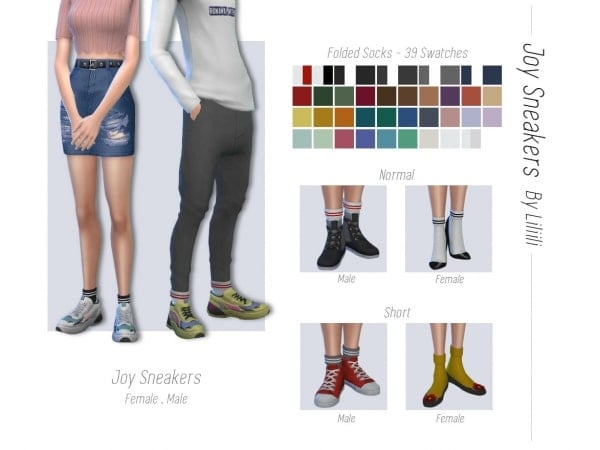
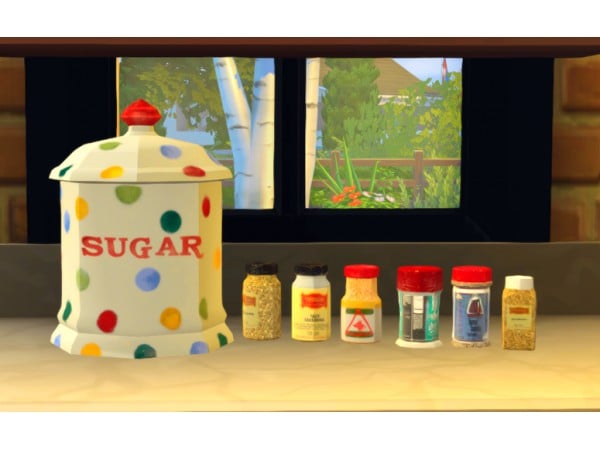
We're thrilled to share something special with our amazing supporters! 🌟 In this post, you'll find an all-in-one mega file containing every piece of custom content (CC) by SnootySims, ready for download.
Color: Single Sofa Chair (7 Swatches), TV Stand (4 Swatches), Wall Picture (4 Swatches)
Hairstyle:
Style/Blend:
Gender:
Pack includes: 17 items
Last time tested: 04/30/2024
Compatibility: Base Game Compatible
With the “Evergreen Living Room Set”, you can turn your Sim’s living area into a comfortable haven where each moment is like a warm hug surrounded by the embrace of nature.♥
ERROR: OpenAI API error (code 429) – 429 You exceeded your current quota, please check your plan and billing details. For more information on this error, read the docs: https://platform.openai.com/docs/guides/error-codes/api-errors.
ERROR: OpenAI API error (code 429) – 429 You exceeded your current quota, please check your plan and billing details. For more information on this error, read the docs: https://platform.openai.com/docs/guides/error-codes/api-errors.
ERROR: OpenAI API error (code 429) – 429 You exceeded your current quota, please check your plan and billing details. For more information on this error, read the docs: https://platform.openai.com/docs/guides/error-codes/api-errors.
ERROR: OpenAI API error (code 429) – 429 You exceeded your current quota, please check your plan and billing details. For more information on this error, read the docs: https://platform.openai.com/docs/guides/error-codes/api-errors.
ERROR: OpenAI API error (code 429) – 429 You exceeded your current quota, please check your plan and billing details. For more information on this error, read the docs: https://platform.openai.com/docs/guides/error-codes/api-errors.
ERROR: OpenAI API error (code 429) – 429 You exceeded your current quota, please check your plan and billing details. For more information on this error, read the docs: https://platform.openai.com/docs/guides/error-codes/api-errors.
ERROR: OpenAI API error (code 429) – 429 You exceeded your current quota, please check your plan and billing details. For more information on this error, read the docs: https://platform.openai.com/docs/guides/error-codes/api-errors.
ERROR: OpenAI API error (code 429) – 429 You exceeded your current quota, please check your plan and billing details. For more information on this error, read the docs: https://platform.openai.com/docs/guides/error-codes/api-errors.
ERROR: OpenAI API error (code 429) – 429 You exceeded your current quota, please check your plan and billing details. For more information on this error, read the docs: https://platform.openai.com/docs/guides/error-codes/api-errors.
ERROR: OpenAI API error (code 429) – 429 You exceeded your current quota, please check your plan and billing details. For more information on this error, read the docs: https://platform.openai.com/docs/guides/error-codes/api-errors.
ERROR: OpenAI API error (code 429) – 429 You exceeded your current quota, please check your plan and billing details. For more information on this error, read the docs: https://platform.openai.com/docs/guides/error-codes/api-errors.
ERROR: OpenAI API error (code 429) – 429 You exceeded your current quota, please check your plan and billing details. For more information on this error, read the docs: https://platform.openai.com/docs/guides/error-codes/api-errors.
ERROR: OpenAI API error (code 429) – 429 You exceeded your current quota, please check your plan and billing details. For more information on this error, read the docs: https://platform.openai.com/docs/guides/error-codes/api-errors.
ERROR: OpenAI API error (code 429) – 429 You exceeded your current quota, please check your plan and billing details. For more information on this error, read the docs: https://platform.openai.com/docs/guides/error-codes/api-errors.
ERROR: OpenAI API error (code 429) – 429 You exceeded your current quota, please check your plan and billing details. For more information on this error, read the docs: https://platform.openai.com/docs/guides/error-codes/api-errors.
ERROR: OpenAI API error (code 429) – 429 You exceeded your current quota, please check your plan and billing details. For more information on this error, read the docs: https://platform.openai.com/docs/guides/error-codes/api-errors.
ERROR: OpenAI API error (code 429) – 429 You exceeded your current quota, please check your plan and billing details. For more information on this error, read the docs: https://platform.openai.com/docs/guides/error-codes/api-errors.
ERROR: OpenAI API error (code 429) – 429 You exceeded your current quota, please check your plan and billing details. For more information on this error, read the docs: https://platform.openai.com/docs/guides/error-codes/api-errors.
ERROR: OpenAI API error (code 429) – 429 You exceeded your current quota, please check your plan and billing details. For more information on this error, read the docs: https://platform.openai.com/docs/guides/error-codes/api-errors.
ERROR: OpenAI API error (code 429) – 429 You exceeded your current quota, please check your plan and billing details. For more information on this error, read the docs: https://platform.openai.com/docs/guides/error-codes/api-errors.
ERROR: OpenAI API error (code 429) – 429 You exceeded your current quota, please check your plan and billing details. For more information on this error, read the docs: https://platform.openai.com/docs/guides/error-codes/api-errors.