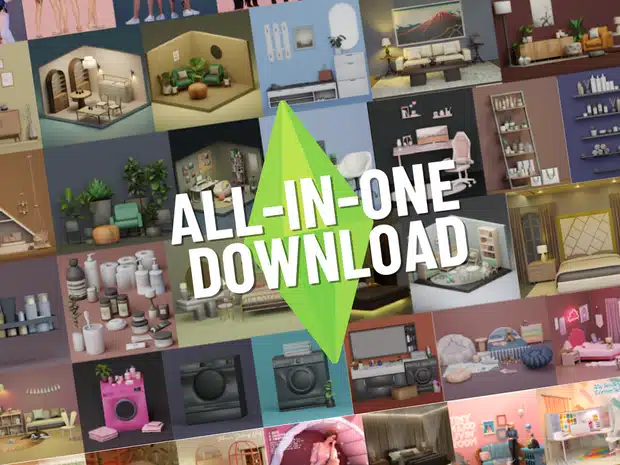
ALL-IN-ONE Pack by SnootySims
We're thrilled to share something special with our amazing supporters! 🌟 In this post, you'll find an all-in-one mega file containing every piece of custom content (CC) by SnootySims, ready for download.
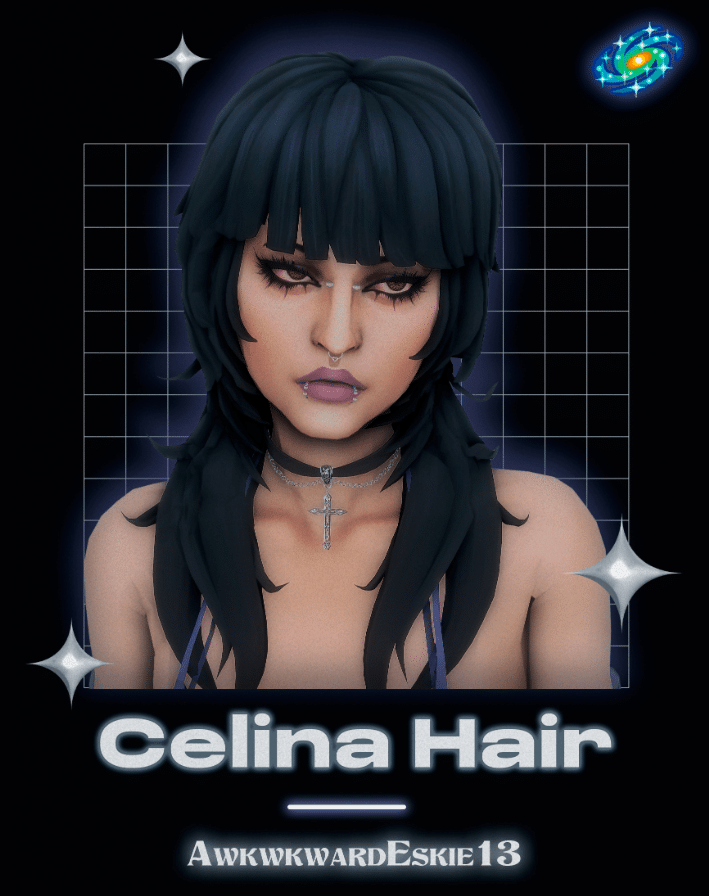
Celina Long Mullet Hair for Female [MM]
Created by: awkwardeskie13
Color: 24 EA swatches
Hairstyle: Jellyfish Cut/ Mullet
Style/Blend: Maxis Match
Gender: Female
Pack includes: 2 versions: No strands and with strands
Last time tested:
Compatibility: Base Game Compatible
Search for Custom Content on SnootySims:
More Custom Content:
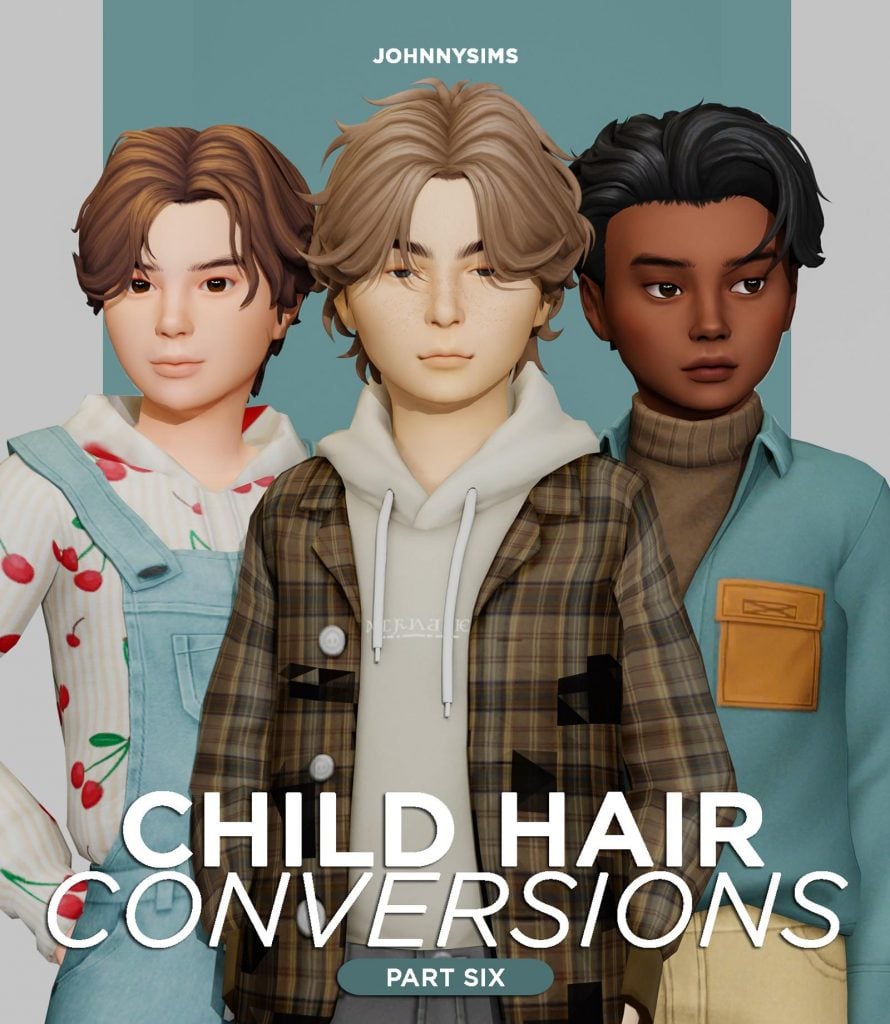
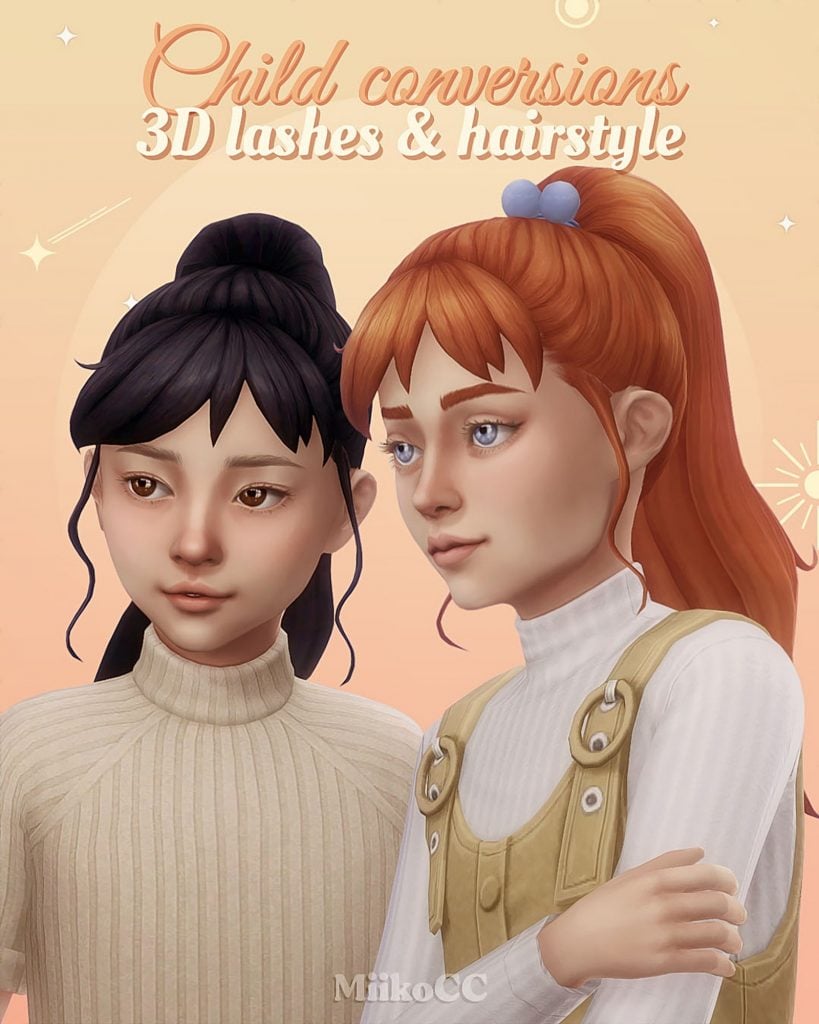
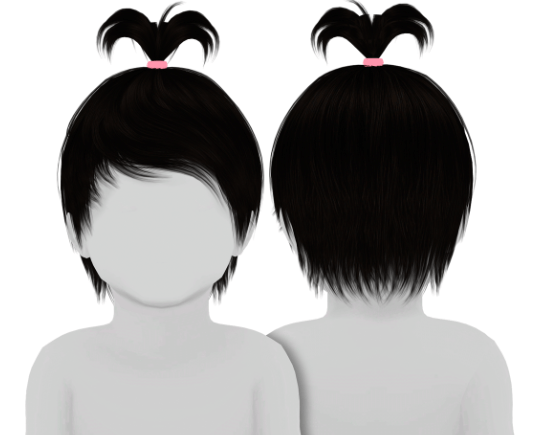
Child Hair Conversions Pt.6
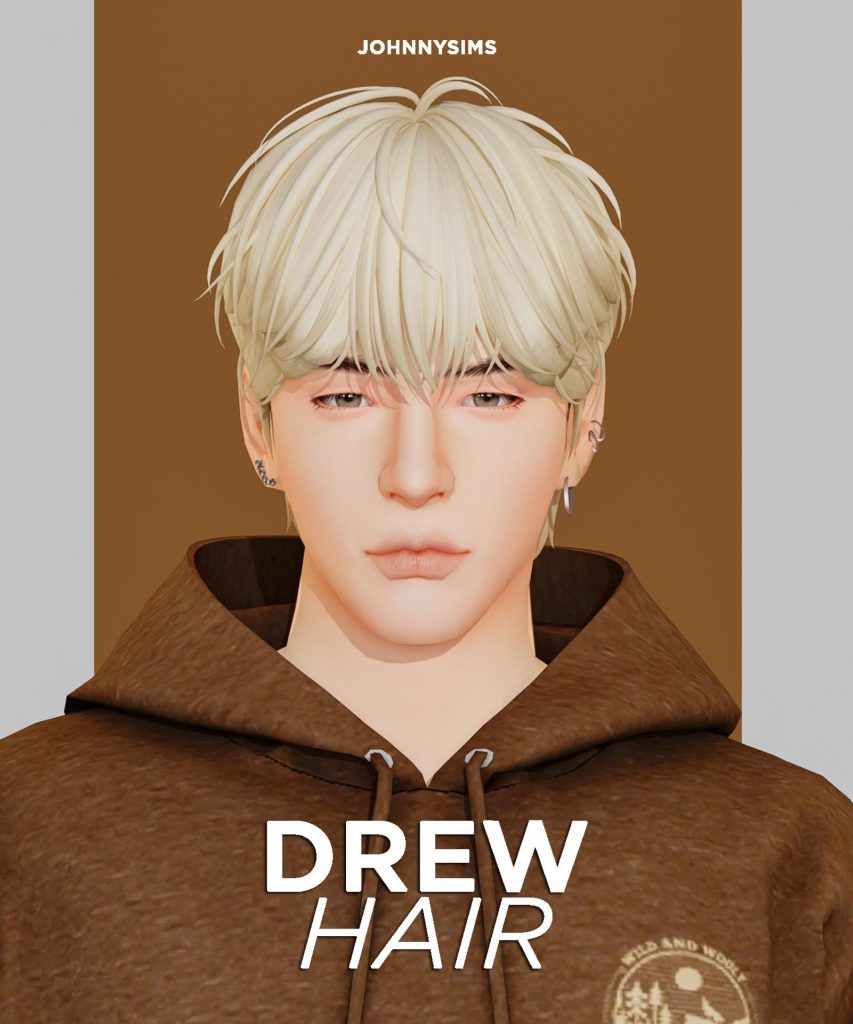
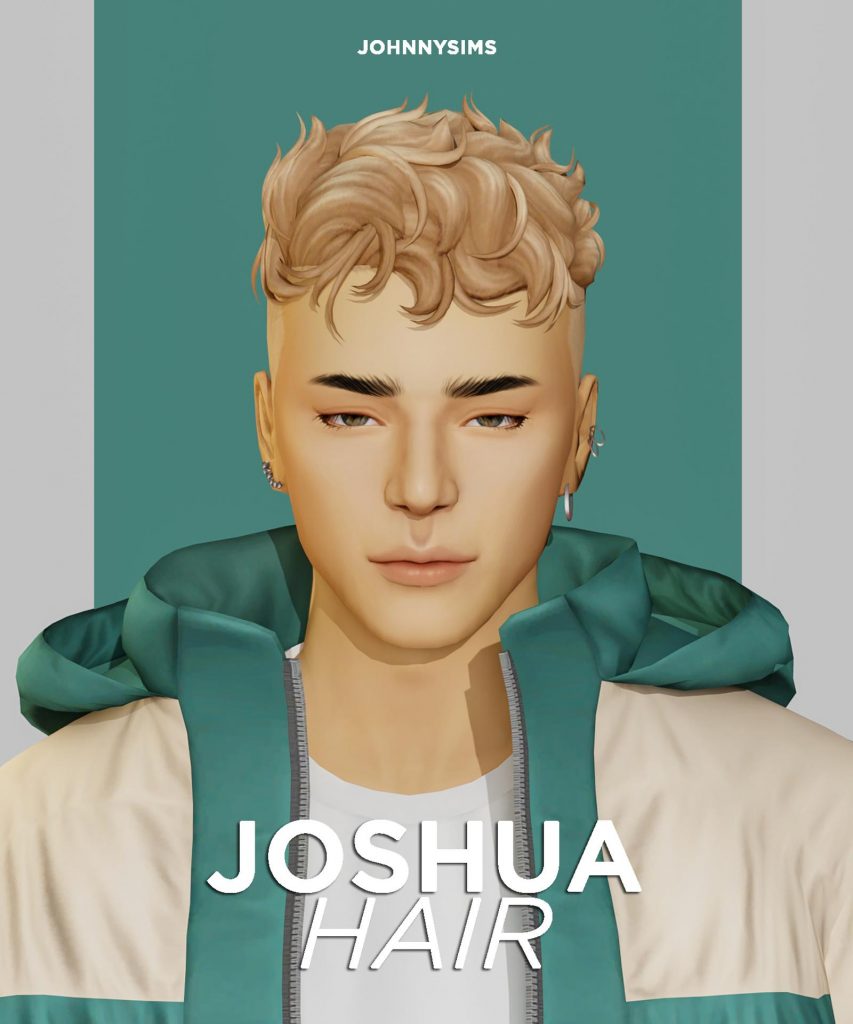
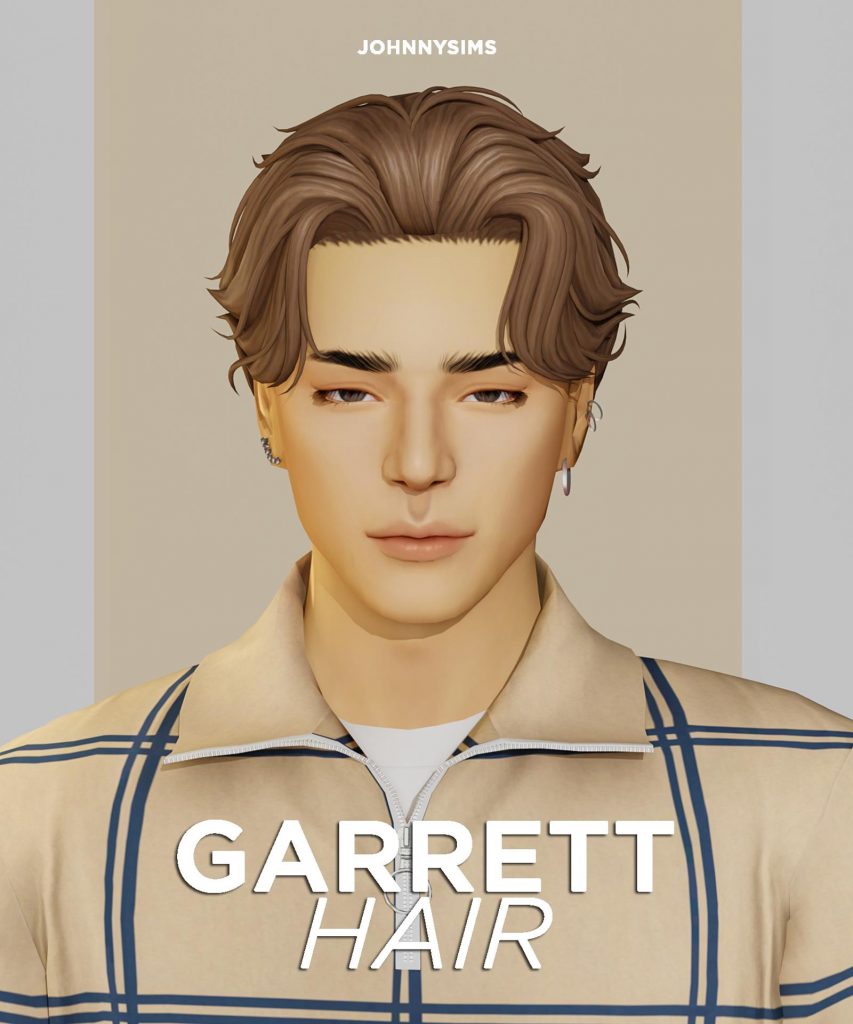
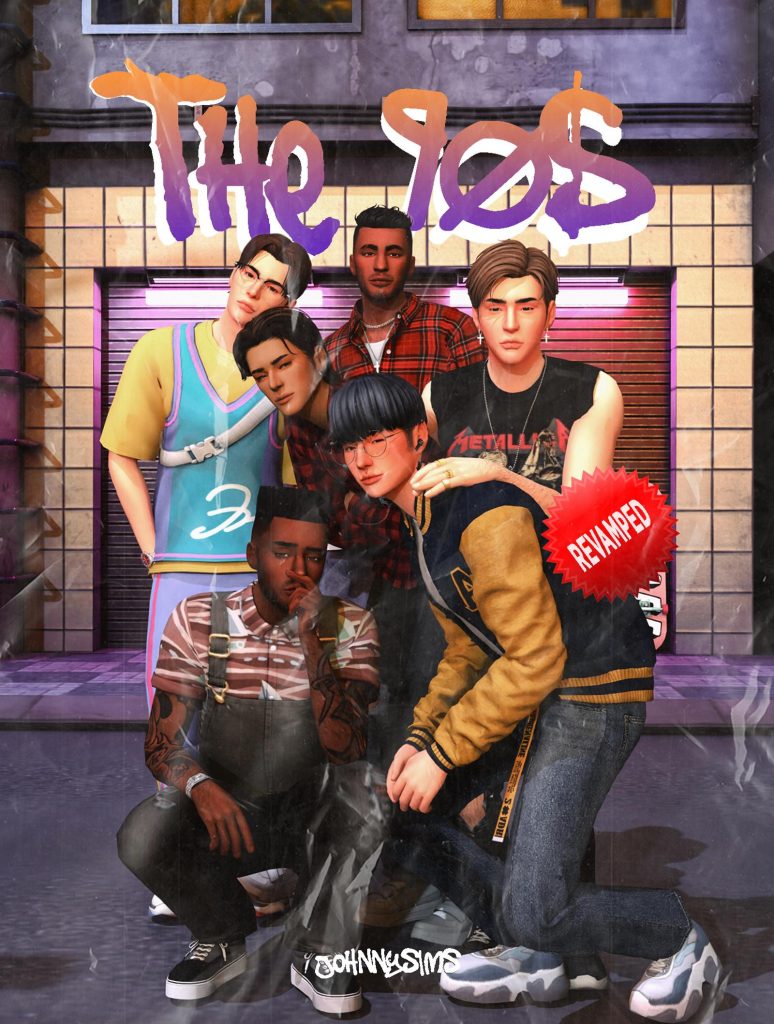
The 90s Hair Set (Revamped)
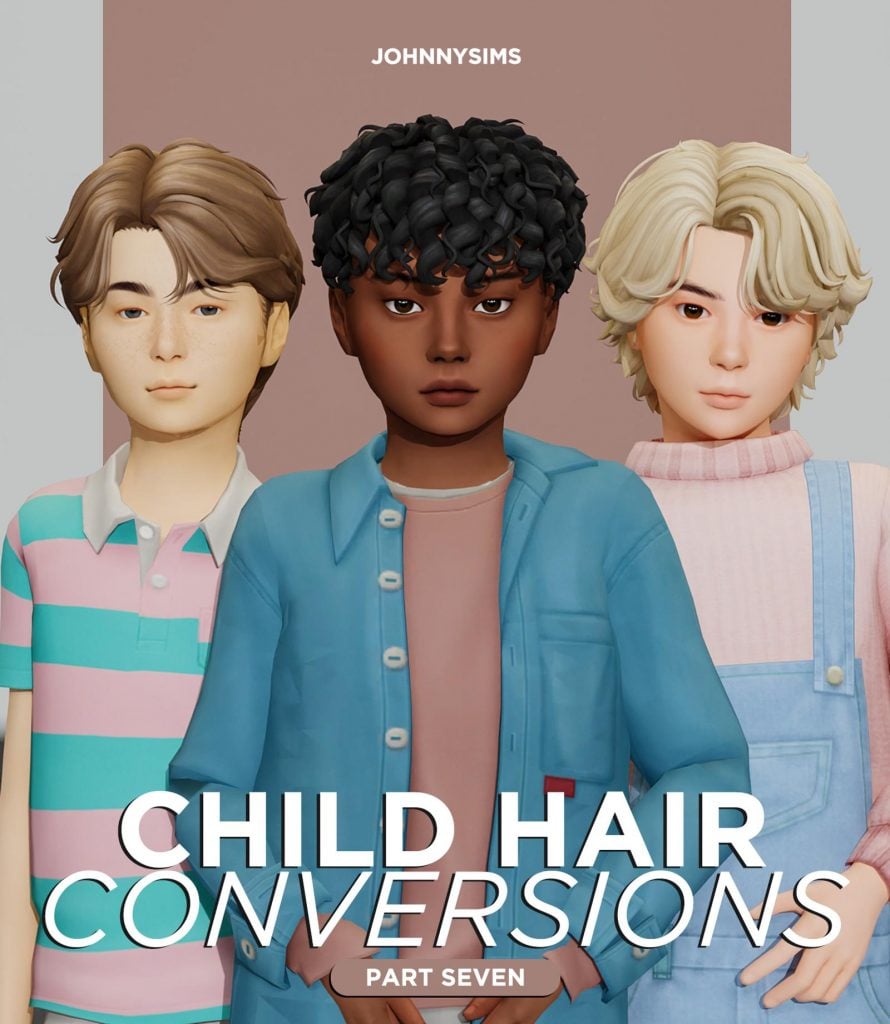
Child Hair Conversions Pt.7
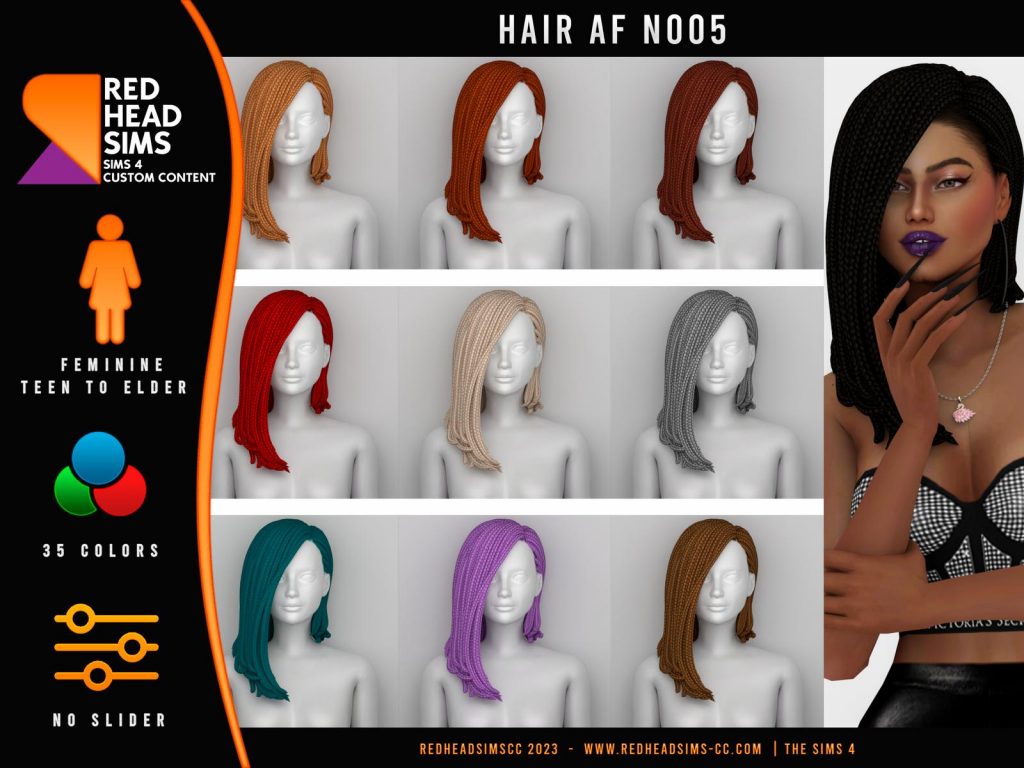
AF HAIR N005 | AVAILABLE PATREON
WISH HAIR / OFF-LINE COLAB
[RIMINGS] Frill Detail Wool Twopiece & Ribbon Hair Pin
Eddie Hairstyle by simstrouble
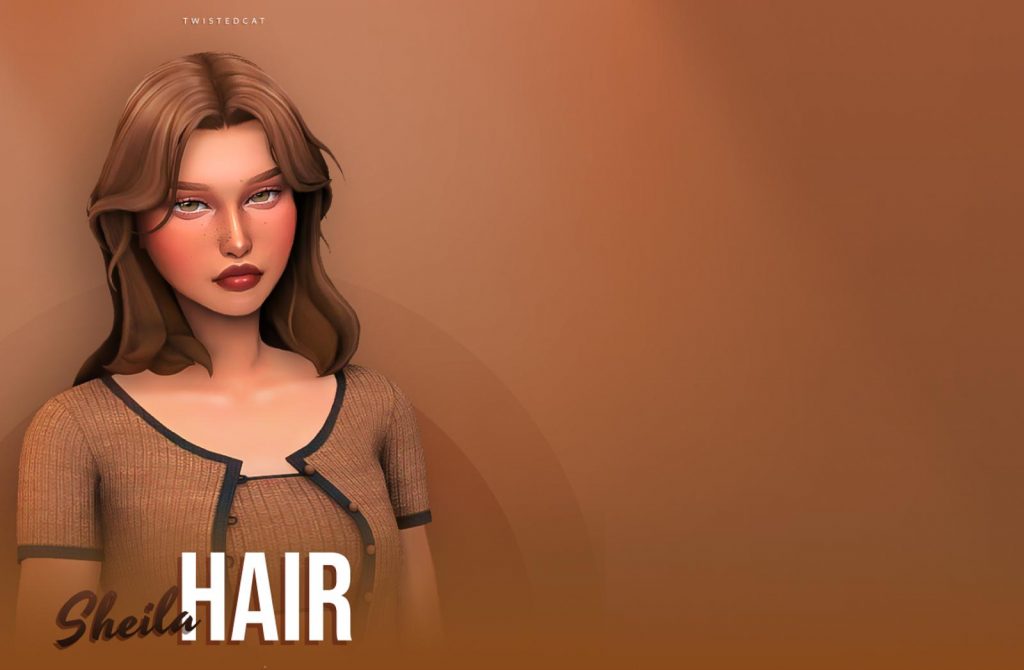
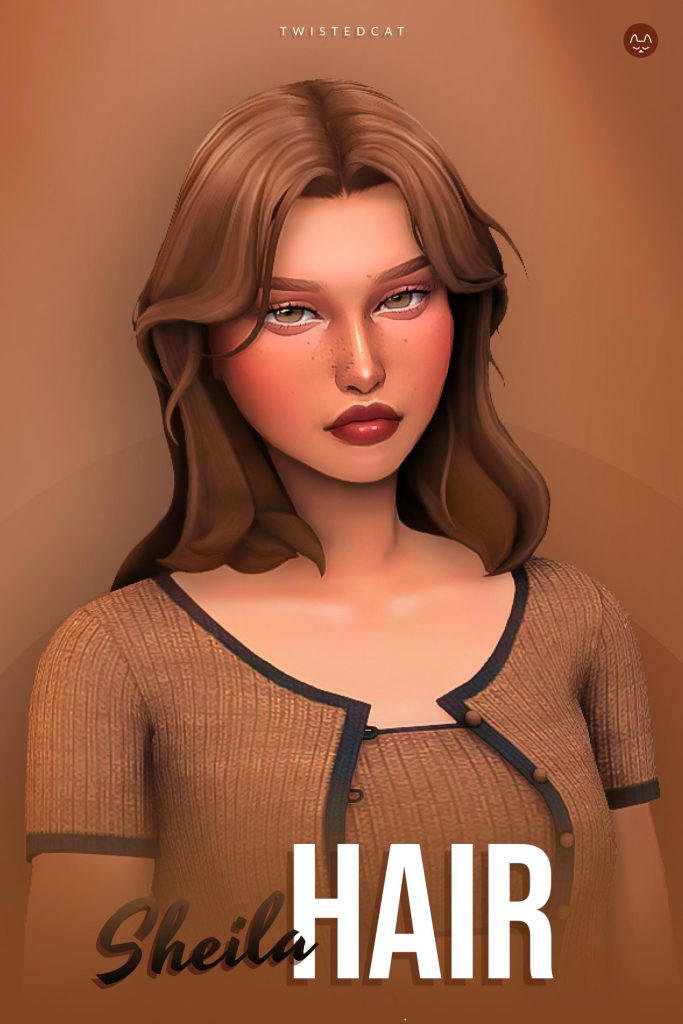
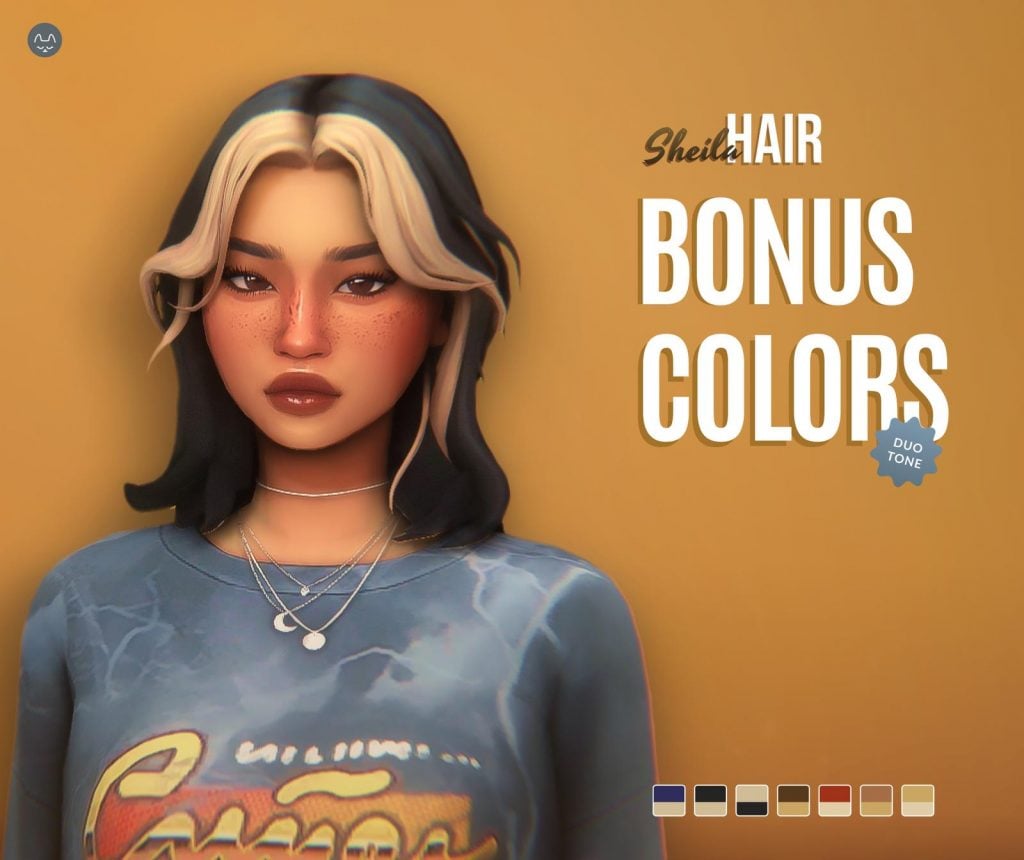
Sheila Hair – New colors added!
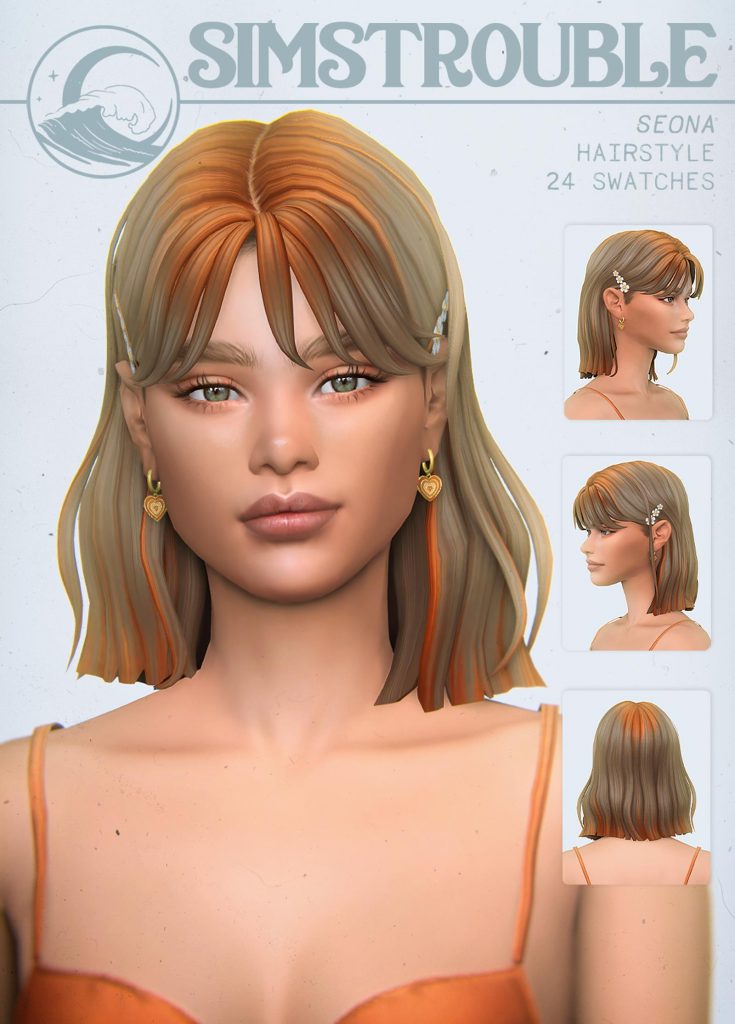
Seona Hairstyle by simstrouble
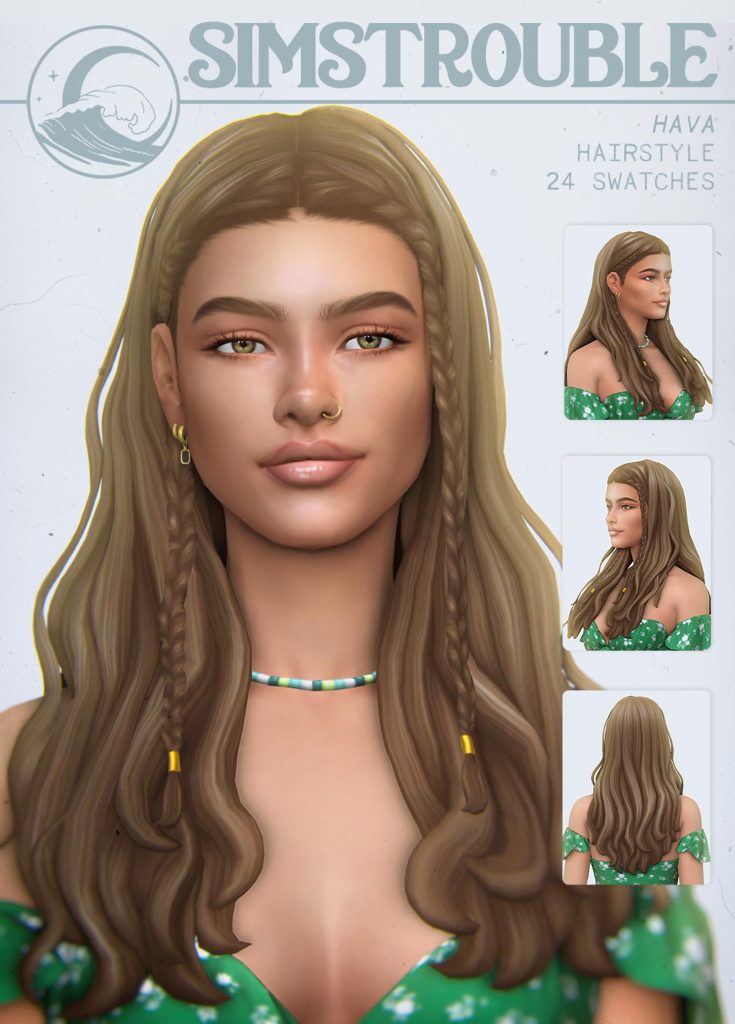
Hava Hairstyle by simstrouble (w/ and w/o Braids)
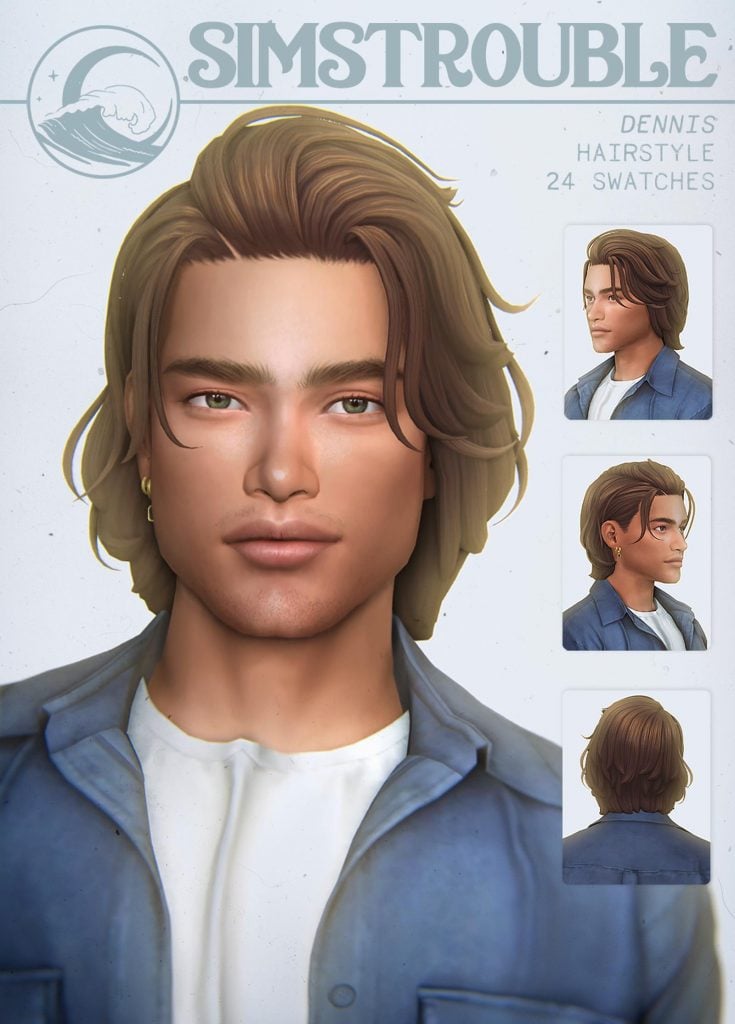
Dennis Hairstyle by simstrouble
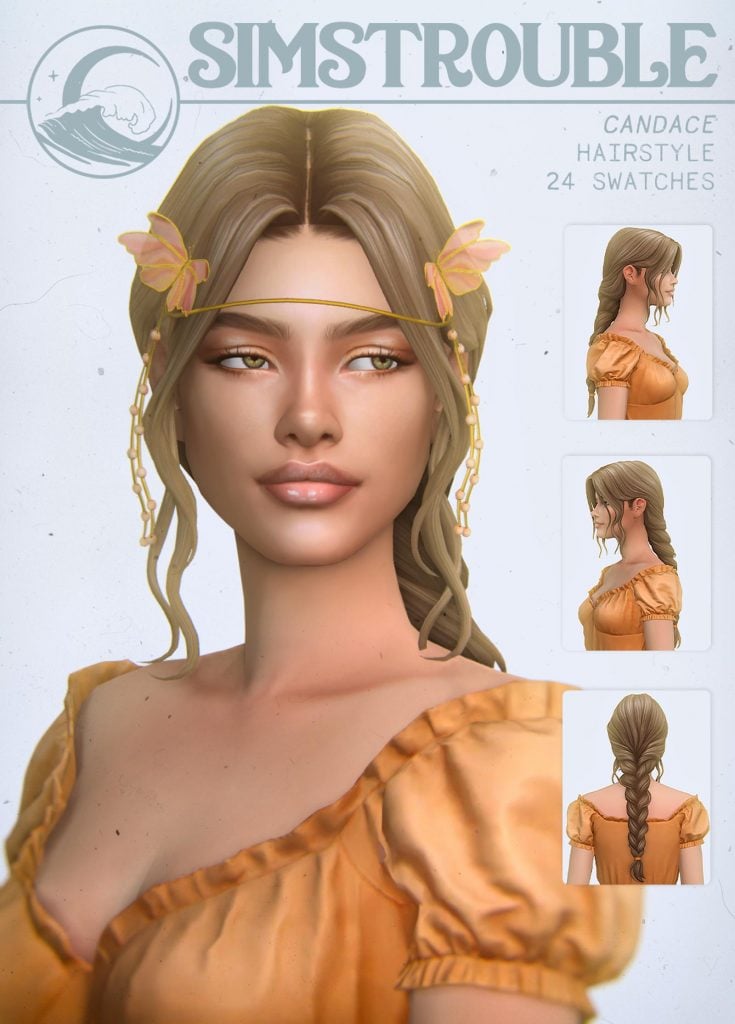
Candace Hairstyle by simstrouble
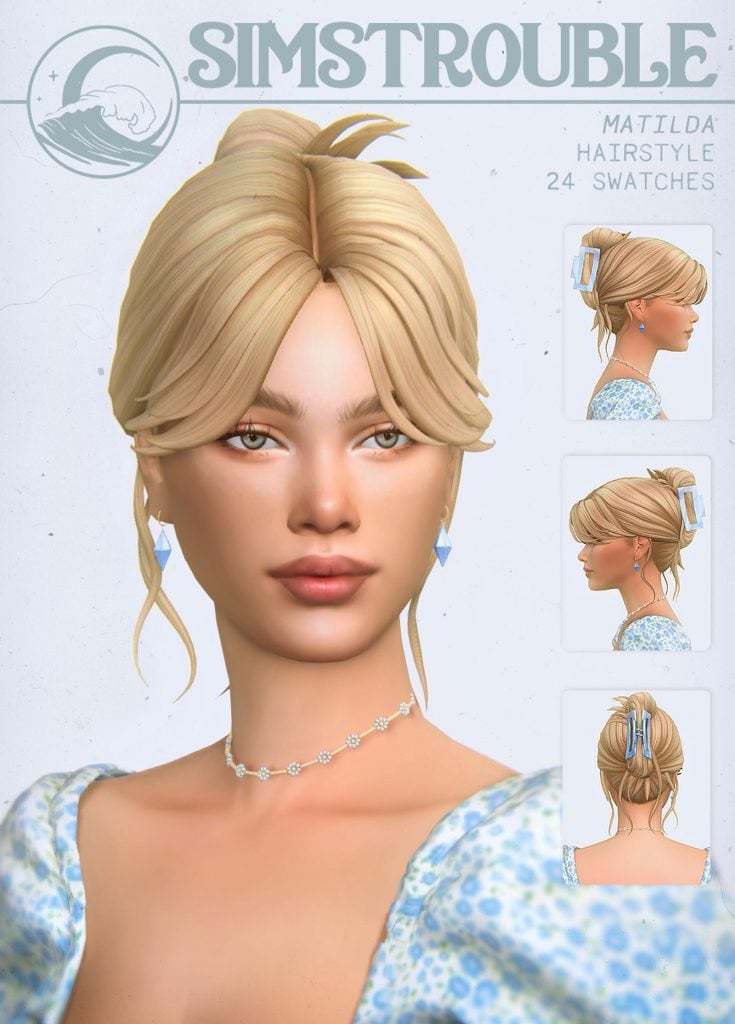
Matilda Hairstyle (3 Versions) by simstrouble
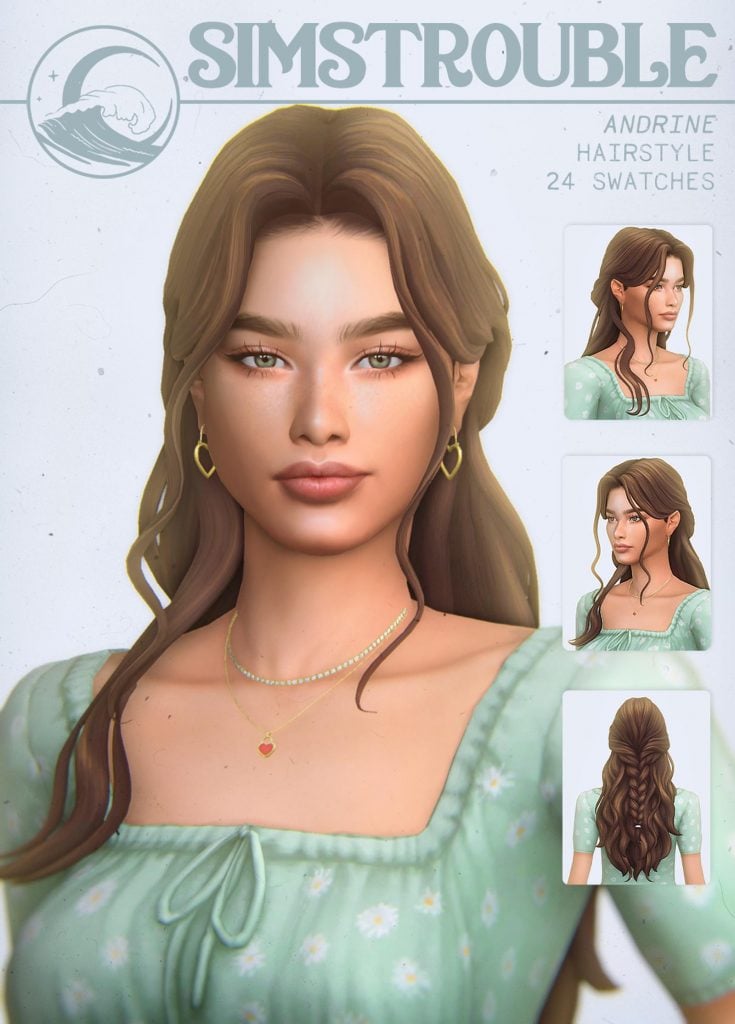
Andrine Hairstyle by simstrouble
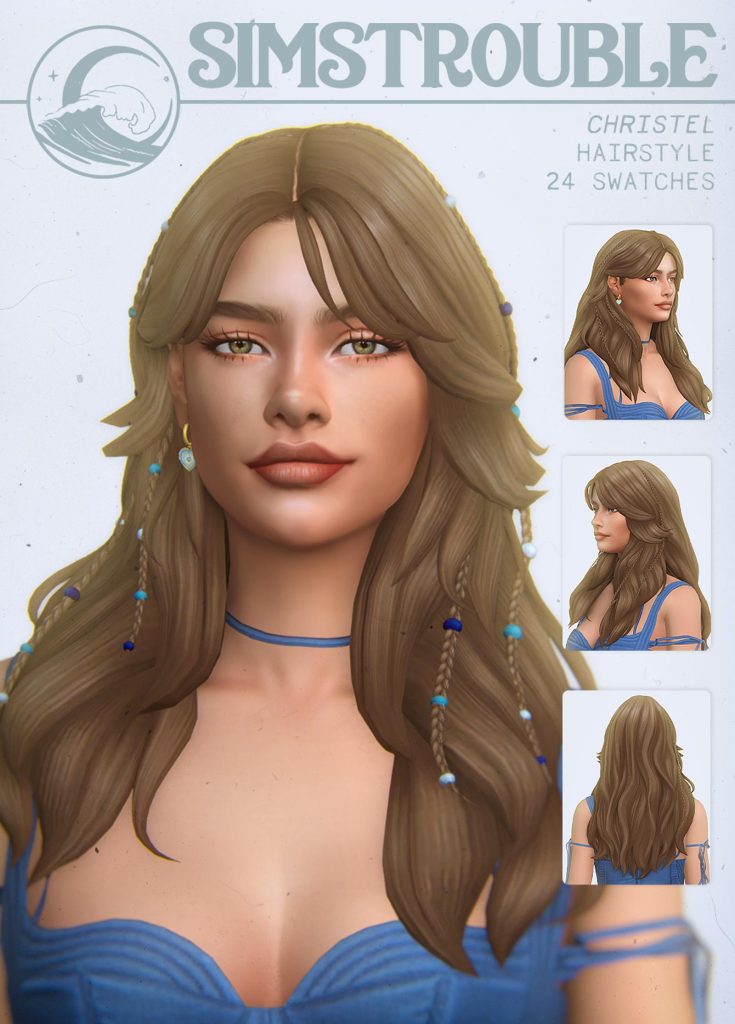
Christen Hairstyle (4 Versions) by simstrouble
3D eyelashes + Makoto hair (children)
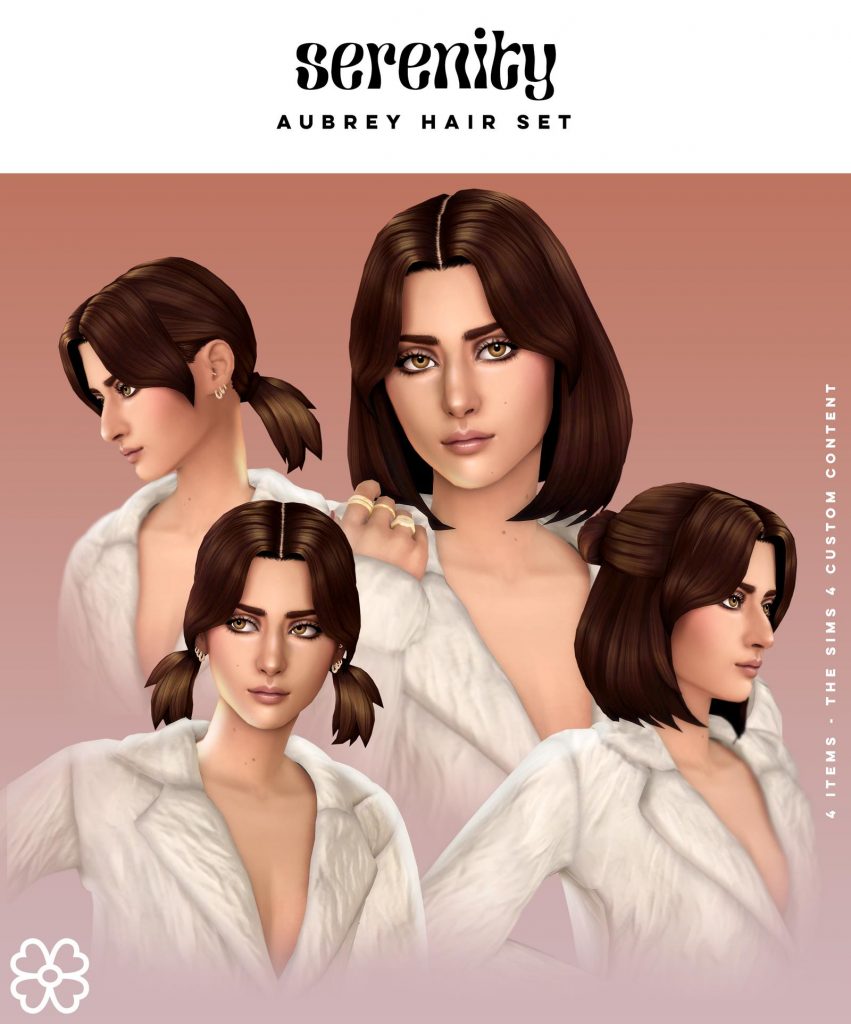
Aubrey Hair Set (4 items)
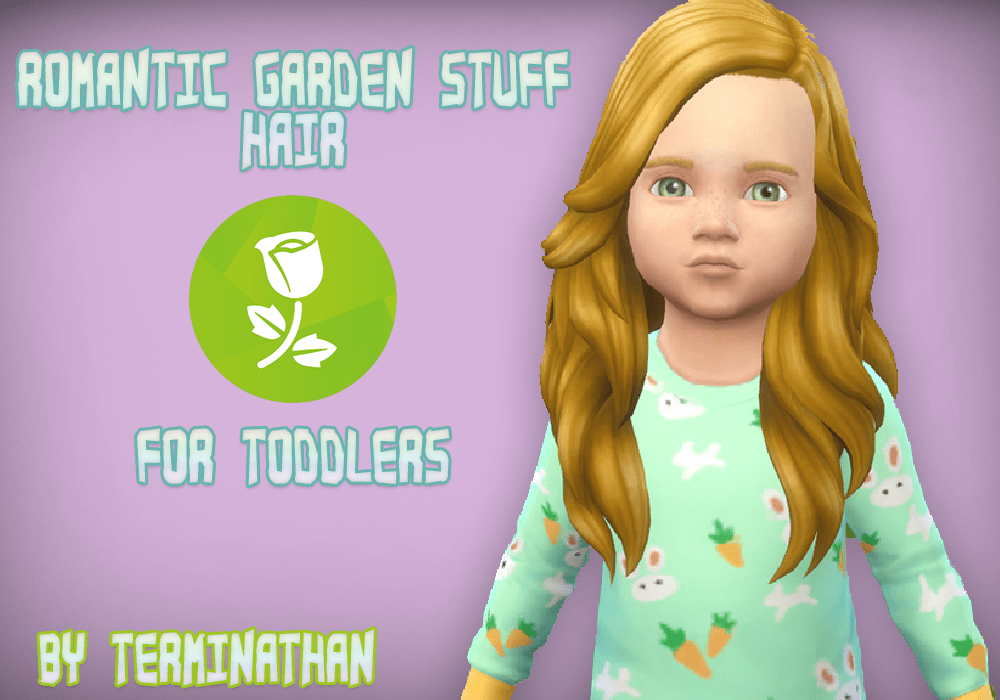
#8 Romantic Garden Stuff Hair For Toddlers Mod
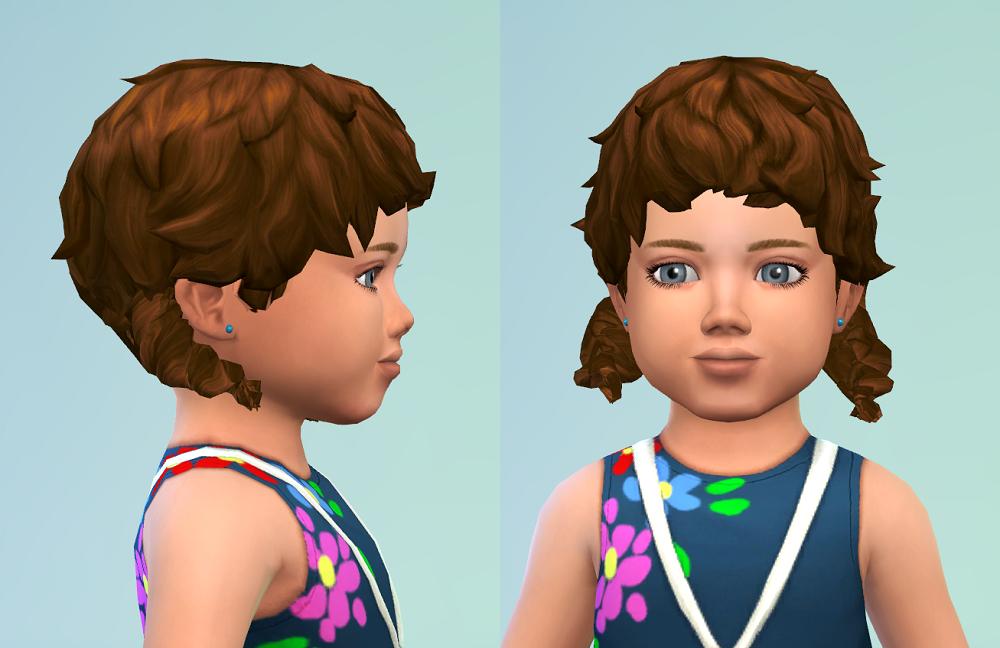
#4 Hair for Toddlers Package
coconut tree infant hair by readheadSims
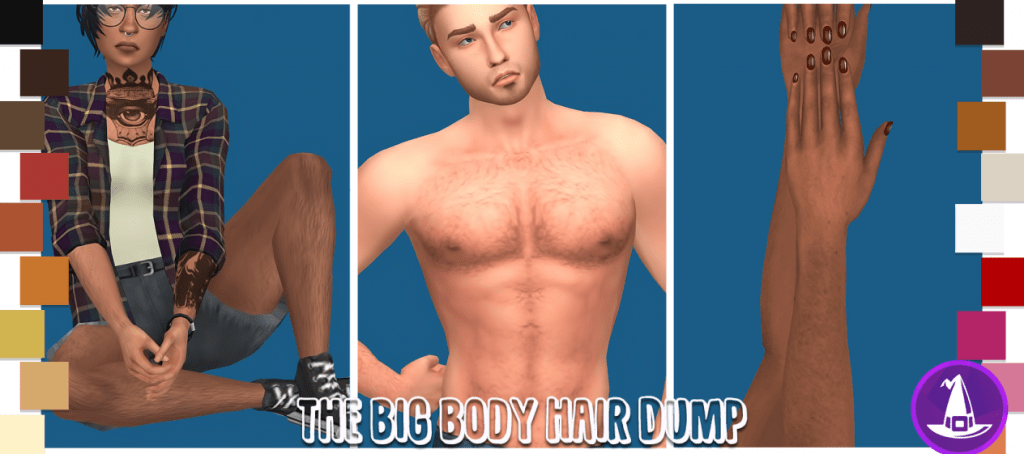
The Big Witching Hour Body Hair Dump
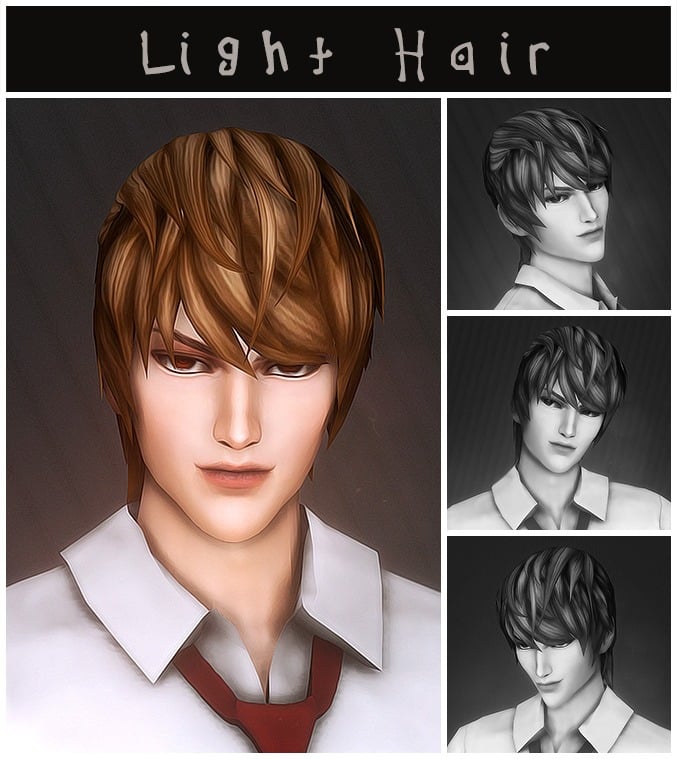
Death Note Light Yagami Hair by Kamiiri
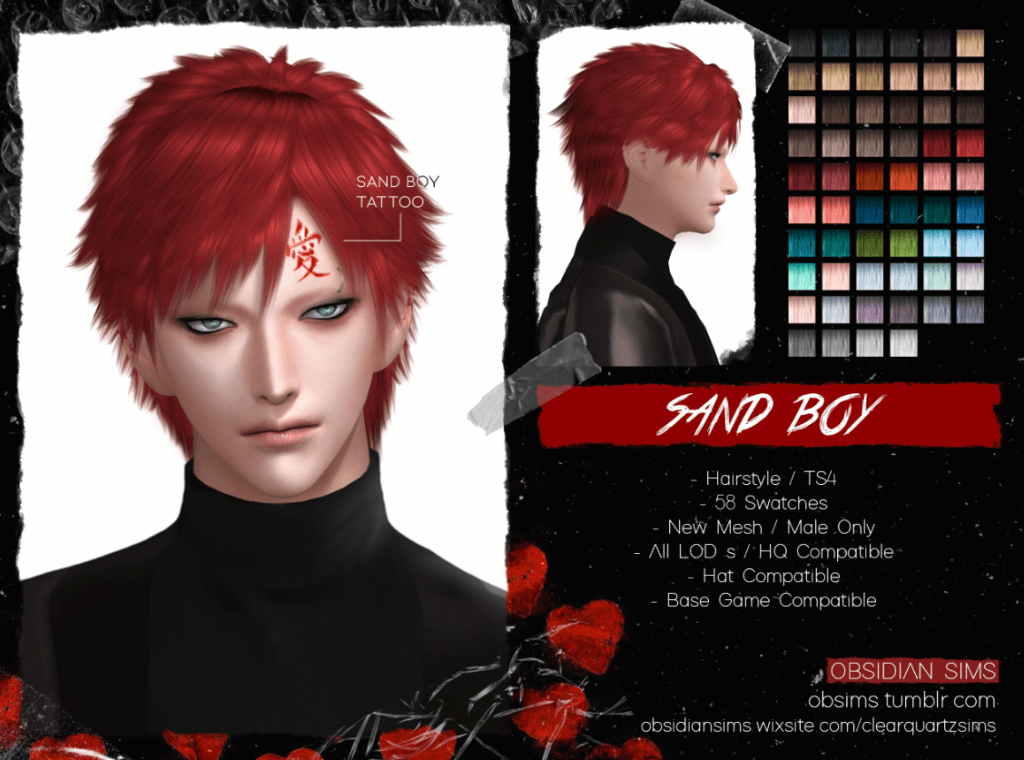
Sand boy hairstyle by obsidian sims

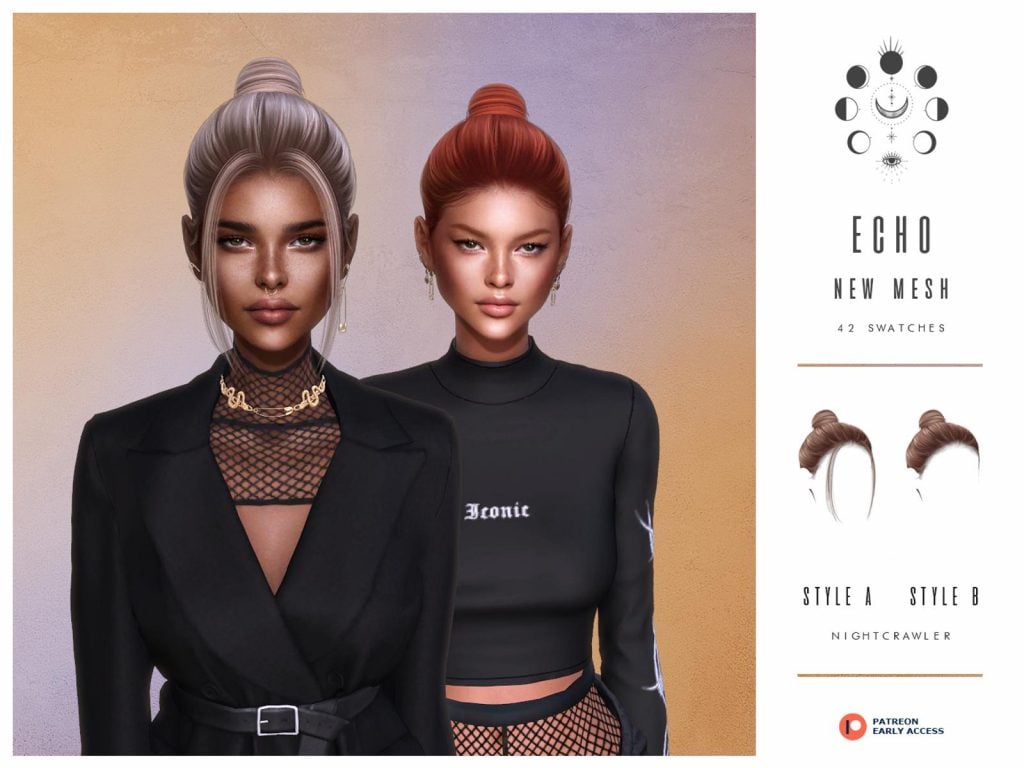
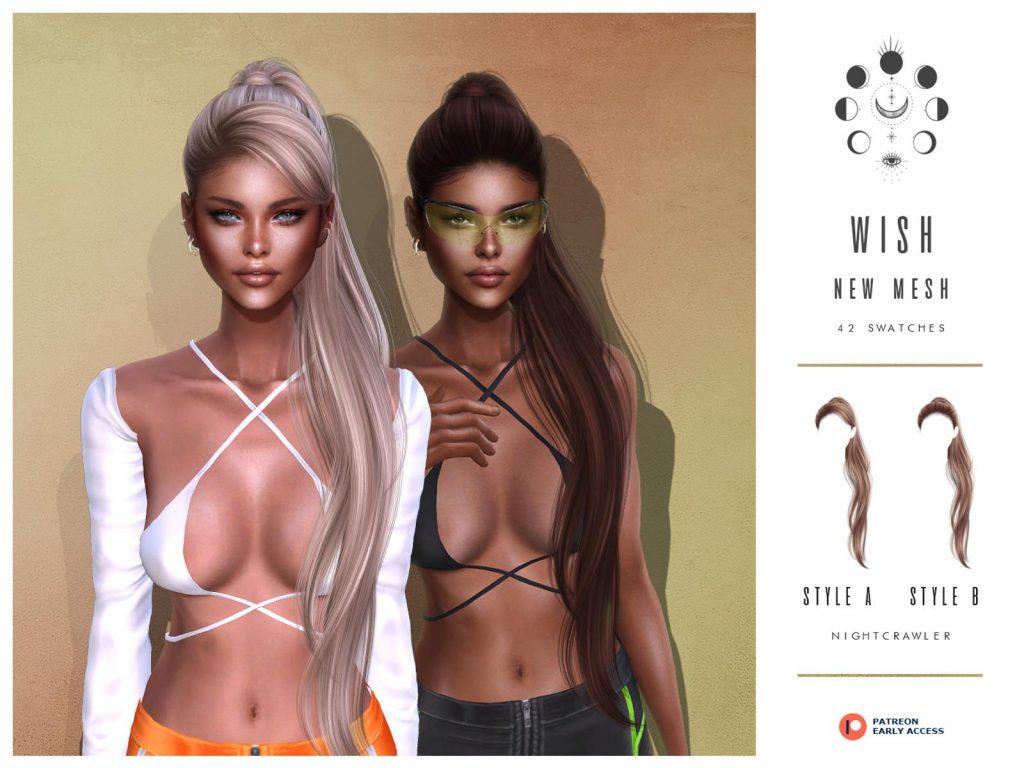
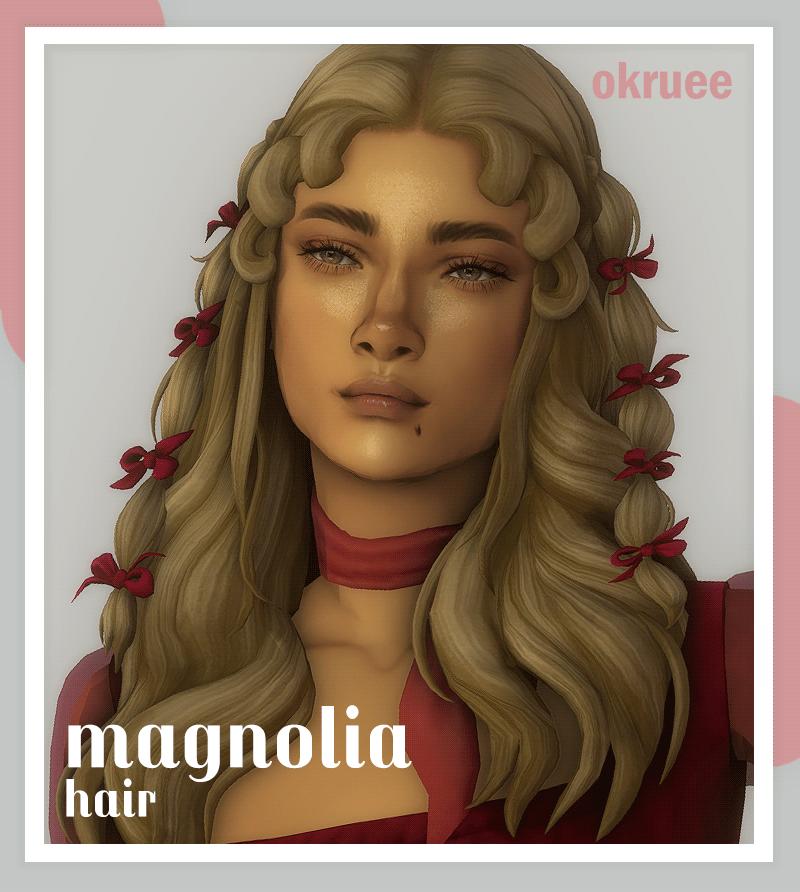
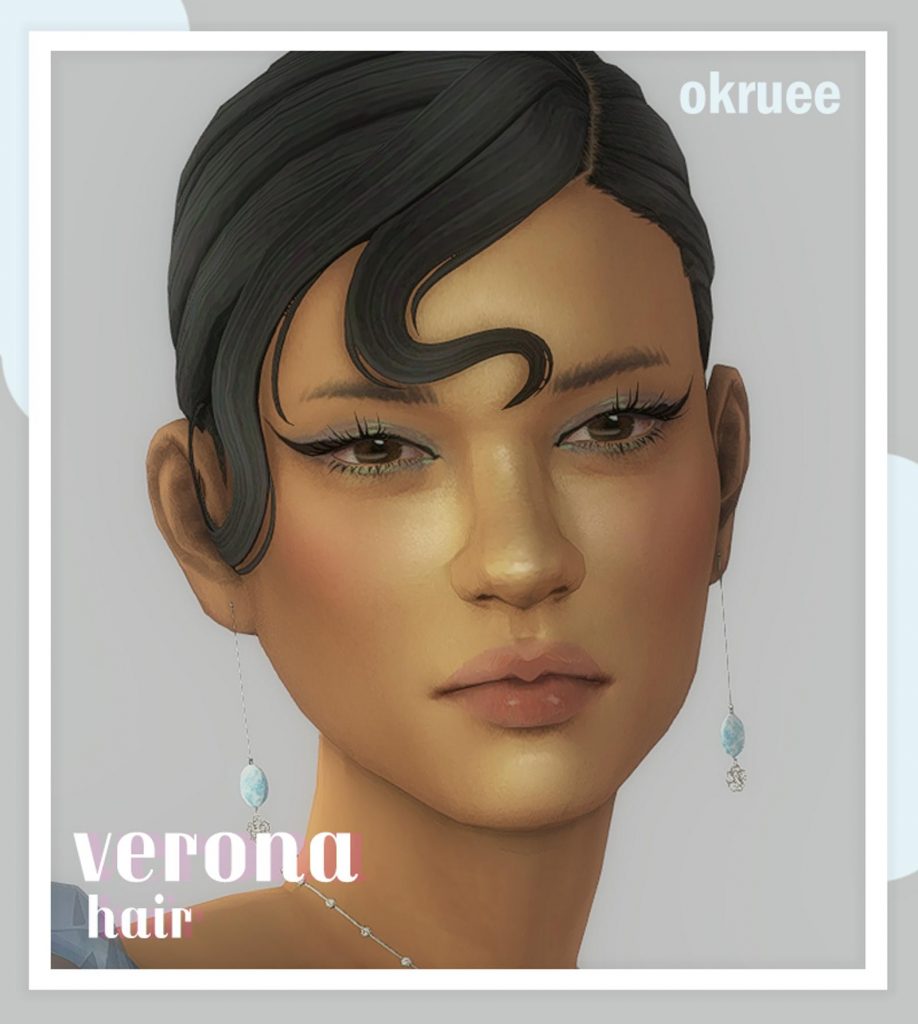



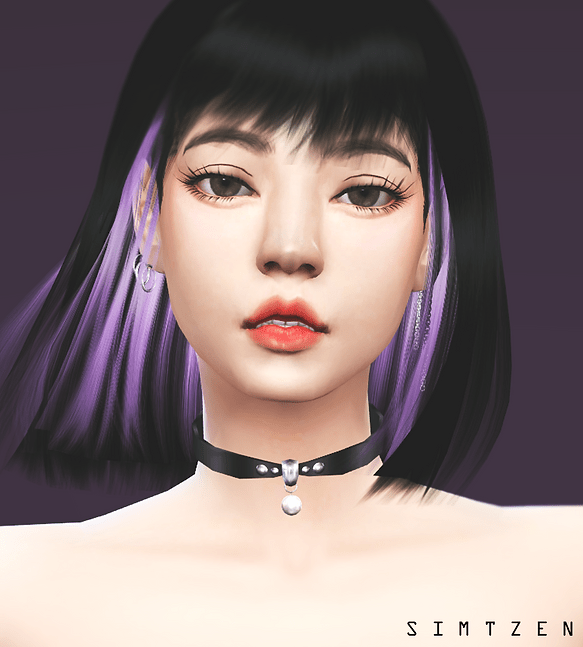
How do I even download this? I got it from the drive but now what?
Hello Varah! Here’s a proper way on how to install mod/cc in your game :
1. To enable the game to utilize mods, go to Game Options -> Other and check off “Enable Custom Content and Mods” > Apply Changes then exit game.
2. Go to your computer’s Documents > Electronic Arts folder > The Sims 4 folder > Mods folder > and paste the cc package there.
If you still have questions/clarifications or you want proper tutorial, you can go directly here :
https://snootysims.com/wiki/sims-4/how-to-install-mods-in-sims-4/
Thank you! 🙂