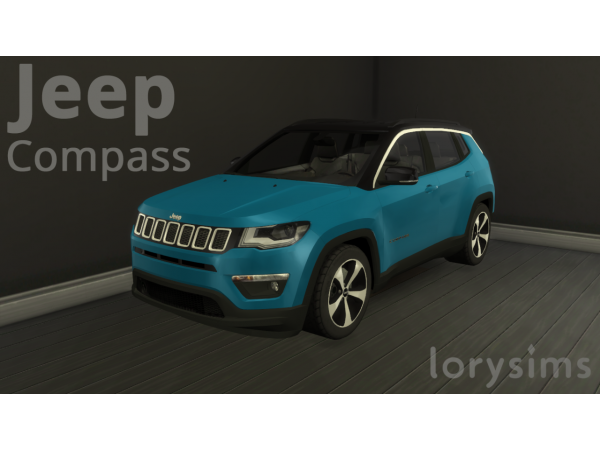
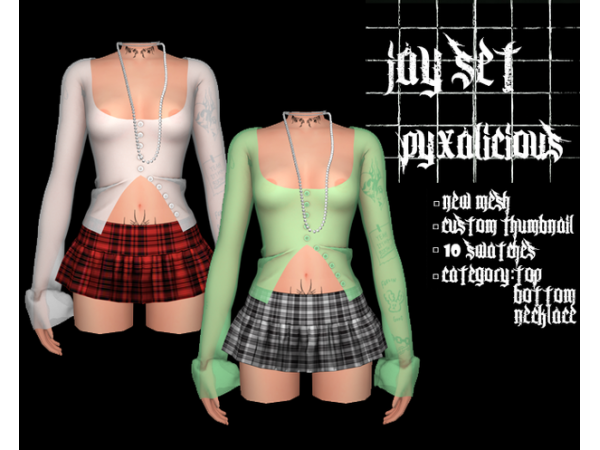
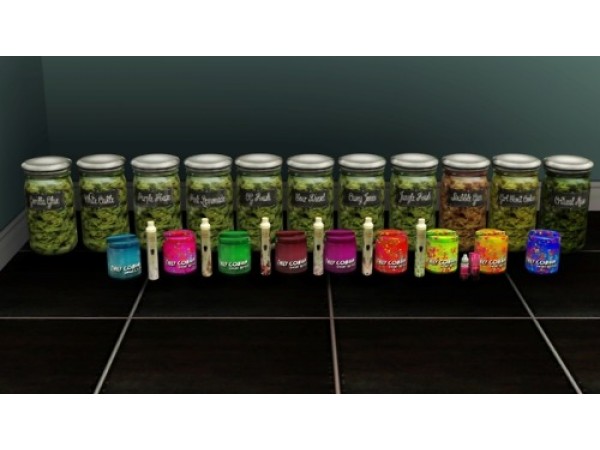
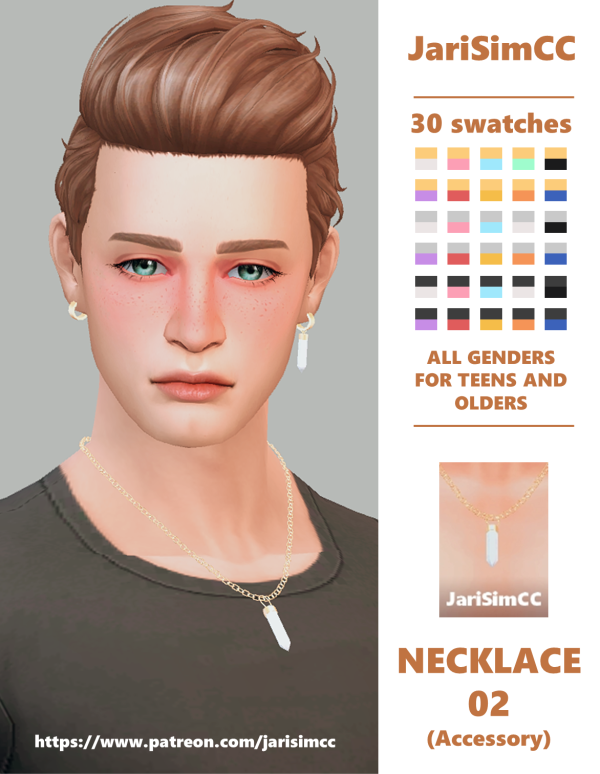
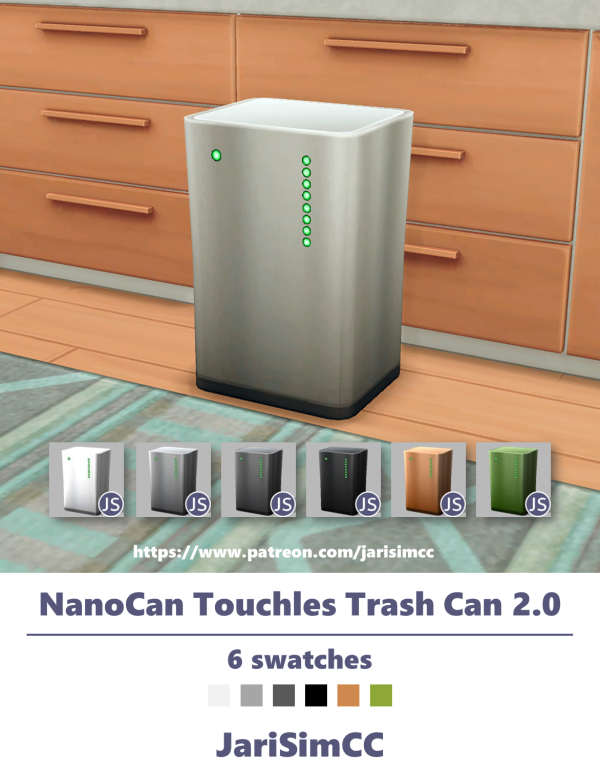
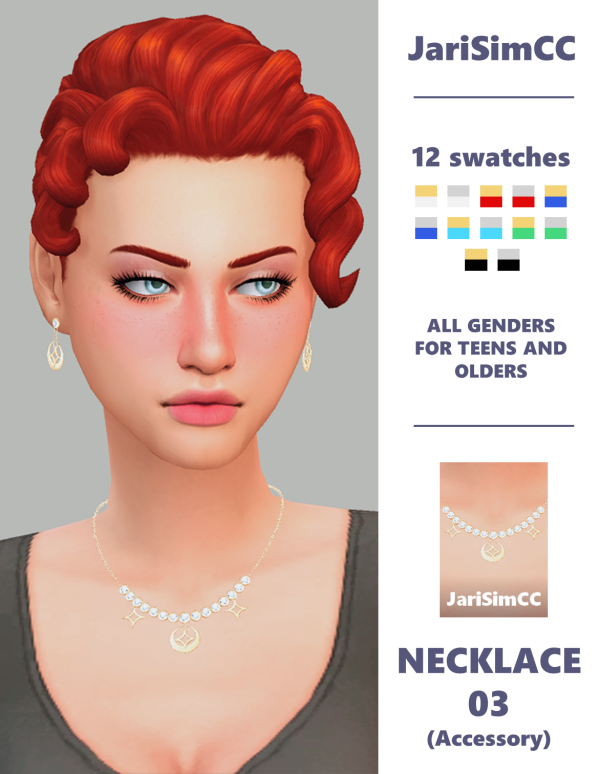
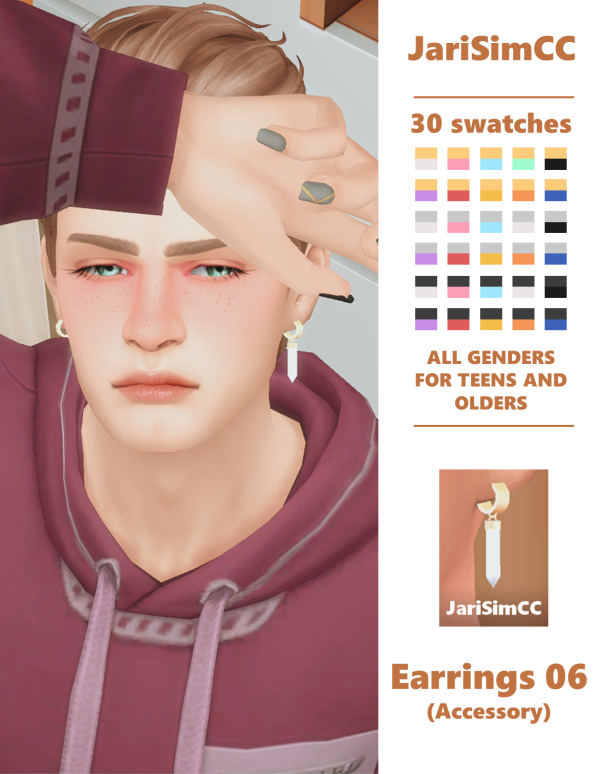
We're thrilled to share something special with our amazing supporters! 🌟 In this post, you'll find an all-in-one mega file containing every piece of custom content (CC) by SnootySims, ready for download.
This is An invisible bridle and reins accessory to use for those who would prefer a bridleless and reinless riding outfit for their steeds. It is a standalone CAS part, will not replace any EA tack and disallowed for random. This is the link for the Invisible Reins and the Invisible Bridle is the one shown below.
ERROR: OpenAI API error (code 429) – 429 You exceeded your current quota, please check your plan and billing details. For more information on this error, read the docs: https://platform.openai.com/docs/guides/error-codes/api-errors.
ERROR: OpenAI API error (code 429) – 429 You exceeded your current quota, please check your plan and billing details. For more information on this error, read the docs: https://platform.openai.com/docs/guides/error-codes/api-errors.
ERROR: OpenAI API error (code 429) – 429 You exceeded your current quota, please check your plan and billing details. For more information on this error, read the docs: https://platform.openai.com/docs/guides/error-codes/api-errors.
ERROR: OpenAI API error (code 429) – 429 You exceeded your current quota, please check your plan and billing details. For more information on this error, read the docs: https://platform.openai.com/docs/guides/error-codes/api-errors.
ERROR: OpenAI API error (code 429) – 429 You exceeded your current quota, please check your plan and billing details. For more information on this error, read the docs: https://platform.openai.com/docs/guides/error-codes/api-errors.
ERROR: OpenAI API error (code 429) – 429 You exceeded your current quota, please check your plan and billing details. For more information on this error, read the docs: https://platform.openai.com/docs/guides/error-codes/api-errors.
ERROR: OpenAI API error (code 429) – 429 You exceeded your current quota, please check your plan and billing details. For more information on this error, read the docs: https://platform.openai.com/docs/guides/error-codes/api-errors.
ERROR: OpenAI API error (code 429) – 429 You exceeded your current quota, please check your plan and billing details. For more information on this error, read the docs: https://platform.openai.com/docs/guides/error-codes/api-errors.
ERROR: OpenAI API error (code 429) – 429 You exceeded your current quota, please check your plan and billing details. For more information on this error, read the docs: https://platform.openai.com/docs/guides/error-codes/api-errors.
ERROR: OpenAI API error (code 429) – 429 You exceeded your current quota, please check your plan and billing details. For more information on this error, read the docs: https://platform.openai.com/docs/guides/error-codes/api-errors.
ERROR: OpenAI API error (code 429) – 429 You exceeded your current quota, please check your plan and billing details. For more information on this error, read the docs: https://platform.openai.com/docs/guides/error-codes/api-errors.
ERROR: OpenAI API error (code 429) – 429 You exceeded your current quota, please check your plan and billing details. For more information on this error, read the docs: https://platform.openai.com/docs/guides/error-codes/api-errors.
ERROR: OpenAI API error (code 429) – 429 You exceeded your current quota, please check your plan and billing details. For more information on this error, read the docs: https://platform.openai.com/docs/guides/error-codes/api-errors.
ERROR: OpenAI API error (code 429) – 429 You exceeded your current quota, please check your plan and billing details. For more information on this error, read the docs: https://platform.openai.com/docs/guides/error-codes/api-errors.