

AnyShift Mod gives Sims 4 players custom shifts, multiple careers, variable schedules, school hours, after-school activities, and pay control.
350 CC Items! Time to celebrate! 🎉
Before we begin: Thank you! We’re celebrating 3 years and 350+ CC items. As a gift, supporters can get all our free CC at once here: ALL IN ONE DOWNLOAD

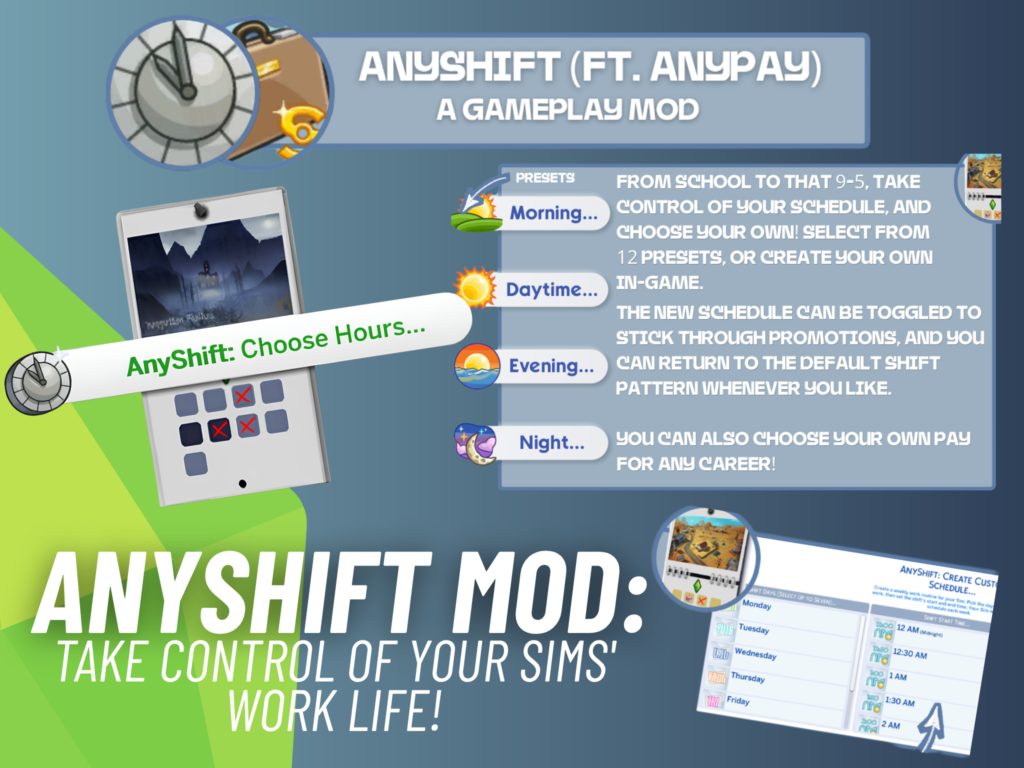
If you have ever wished you could change when your Sims go to work instead of being stuck with the schedule their career gives them, AnyShift mod might be exactly what your game has been missing. Created by midnitetech, this gameplay mod lets you create custom shift schedules for your Sims across EA and custom careers, including School and Discover University.
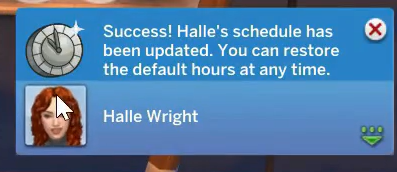
The mod has also grown quite a bit since its original release, with new scheduling options, multiple careers, custom presets, and even a way to change your Sims’ hourly pay. The latest September 22 update also fixed an issue with a random timing interaction, so players using AnyShift should make sure they have the newest version of the mod library installed.
What Is the AnyShift Mod?
AnyShift gives you much more control over when your Sims work, study, or attend their scheduled activities. Instead of accepting the default career hours, you can choose from Morning, Day, Evening, or Night presets, or create a completely custom schedule that fits the story you are playing.
It works with EA careers as well as custom careers, and the creator specifically notes that it also works with School and Discover University. Your custom schedule stays attached to your Sim even after a promotion, while you can disable the custom settings or return to the career’s default schedule whenever you want.
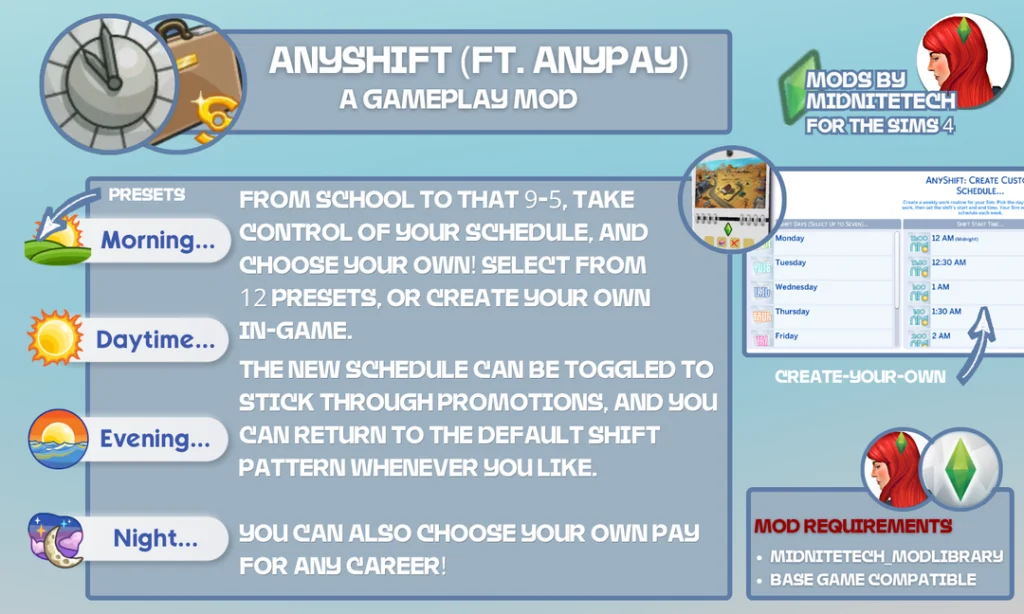
AnyShift Lets You Build Custom Work Schedules
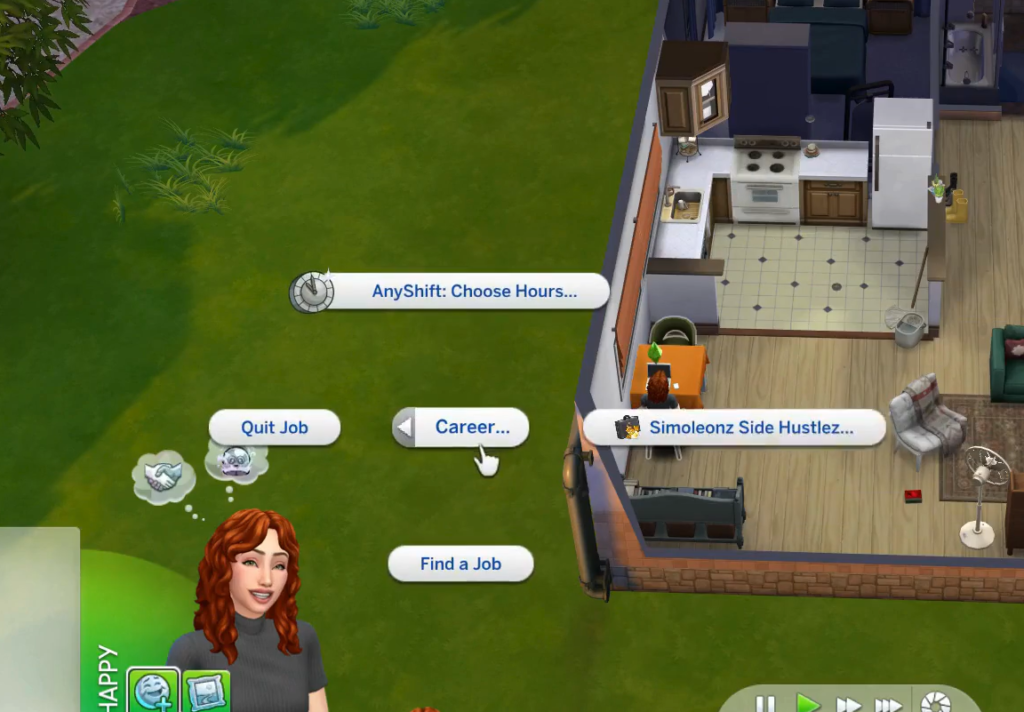
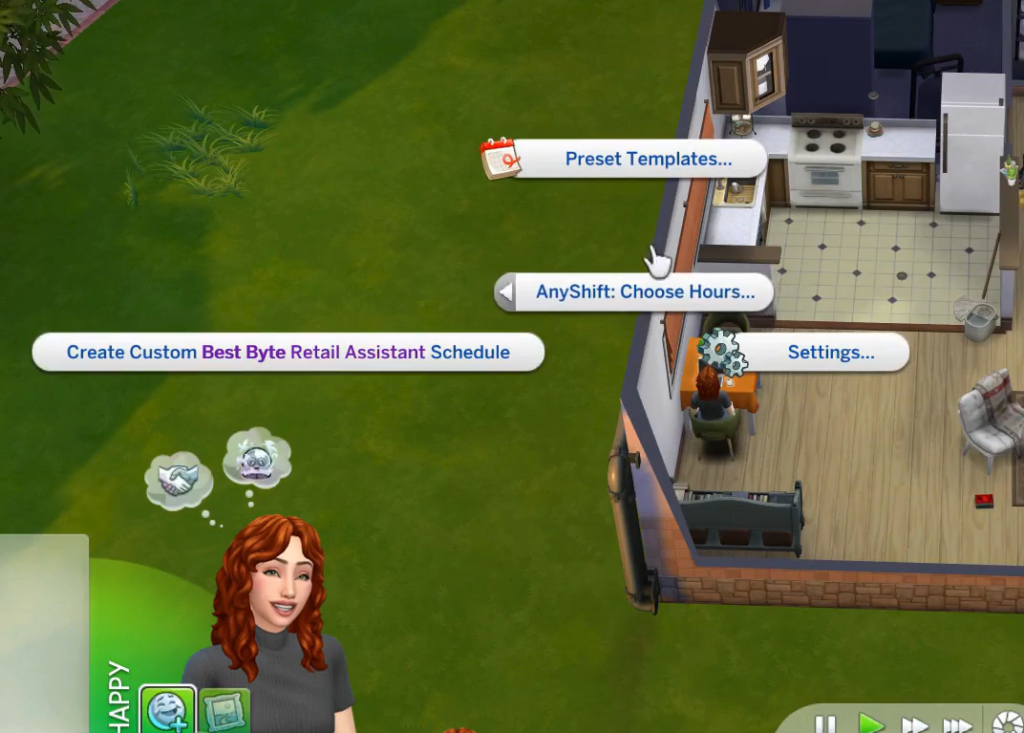
Creating a schedule is pretty straightforward. You can access AnyShift through Computer → Career, Mailbox → AnyShift, or by purchasing the AnyShift Calendar from Build/Buy. There are also more minimal options available through Phone → Business, giving you several ways to manage schedules without having to hunt around your game.
If none of the presets work for your Sim, you can build your own schedule instead. This is especially useful for storytelling saves where you want a Sim’s work hours to match their lifestyle, household routine, or the specific story you have planned for them.
Create Extended and Variable Shifts
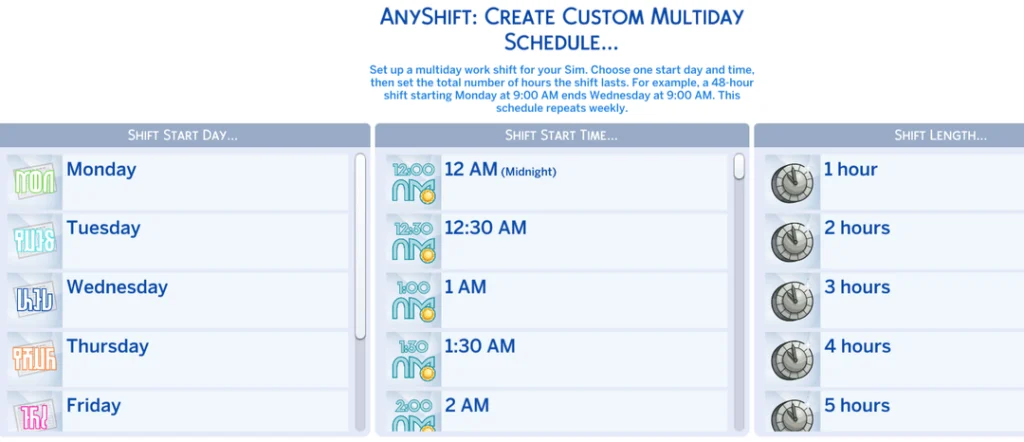
Things get even more interesting with the advanced scheduling features. AnyShift allows you to create Extended Schedules, letting your Sims work away for several days, while Variable Shifts let you give a Sim different working hours on different days of the week.
The Variable Shift feature was added in the September 9 update alongside several other scheduling improvements. So if your Sim needs a realistic schedule that changes throughout the week, you can now build one instead of giving them the exact same hours every day.
Save Your Favorite Schedules as Templates
One of the most useful features for players with multiple Sims is the ability to save schedules as templates. When you create a schedule you really like, you can choose Save Current Schedule as Template, give it a name and an icon, and then apply that setup to other Sims later.
The mod also generates a JSON settings file in your Documents\Electronic Arts\The Sims 4 folder, allowing the settings you create to be saved. This should make it much easier if you regularly create the same kinds of schedules across different Sims in your save.
Give Your Sims Multiple Careers
Another major feature is the ability to give a Sim more than one career. With the Manage Multiple Careers menu, you can add another job to your Sim and create schedules for each one.
There is one important thing to keep in mind, though: you will need to make sure the different career schedules do not conflict with each other. The original Find a Job interaction has not been changed, which helps AnyShift remain compatible with other career-related mods.
You Can Now Adjust Your Sims’ Pay With AnyPay
AnyShift has also gained a new feature called AnyPay: Manage Pay. This lets you adjust your Sim’s hourly rate, giving you another way to customize how their career works in your save.
This can be particularly handy for custom storytelling. Whether you want a Sim to earn more from their dream career or create a different income setup for a specific household, you can now adjust their hourly pay directly through the mod.
AnyShift Works With School and After-School Activities
AnyShift is not limited to traditional careers. The creator confirms that it works with School and Discover University, and the September 20 update expanded the scheduling system further by allowing players to edit Teen and Child Sims’ After-School Activities schedules.
The September update also fixed an issue that could happen when saving or traveling and cleaned up the pie menu options so they are less overwhelming. Earlier updates added multishifts as well, including schedule changes for Sims in the Park Worker career from Adventure Awaits.
How to Access AnyShift
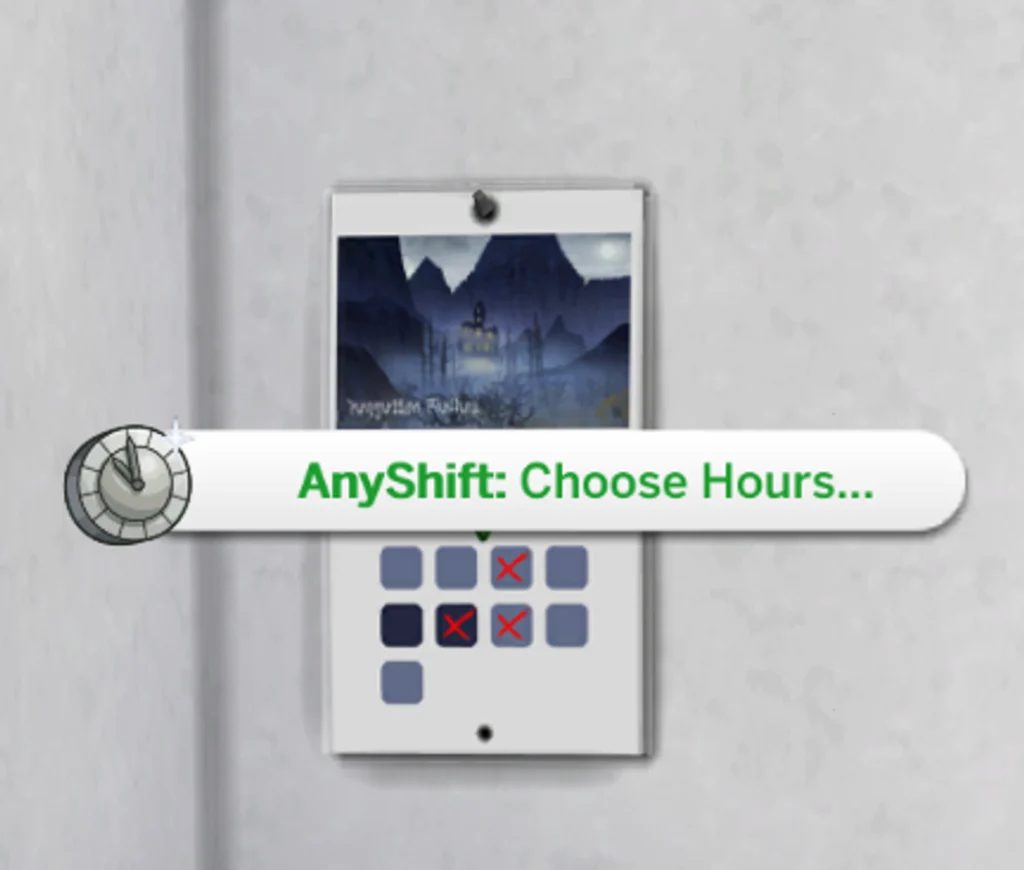
There are several ways to use the mod depending on how you like to play. You can manage schedules from the computer, mailbox, or phone, while players who prefer a physical object can purchase an AnyShift Calendar from Build/Buy for §25. The calendar can be found by searching for “AnyShift” or “Calendar,” or by checking Paintings & Posters.
The calendar is especially useful if you want your Sims to manage their schedules without relying on a computer or phone. The creator also notes that the calendar artwork uses official Sims 4 concept art.
Final Thoughts
AnyShift is one of those mods that can quietly change how you play your entire save. Being able to create custom shifts, save reusable schedules, give Sims multiple careers, edit school and after-school schedules, and even adjust hourly pay gives you a lot more freedom to build careers around your Sims instead of forcing your Sims to work around the game’s default schedules.
The mod is actively being updated, with the latest September 22 update fixing another timing issue. If you are adding AnyShift to your Mods folder, grab the newest version of both the mod and midnitetech_modlibrary, then check out the full user guide for the detailed setup information and FAQ.
Stay tuned on SnootySims for the latest new gameplay mods and exciting Sims 4 updates. Be sure to follow us on on Patreon and all our social media channels, including Google, Facebook, Twitter, YouTube, Instagram, TikTok, Pinterest, and Tumblr. Happy simming, Simmers!