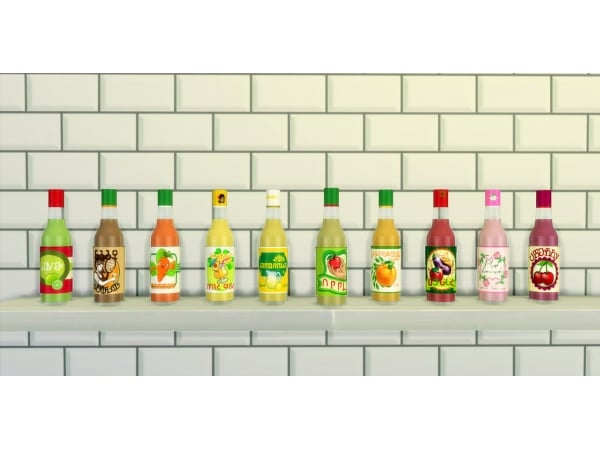
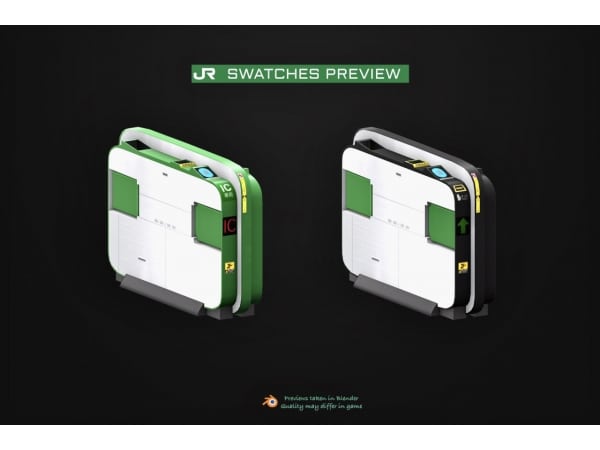
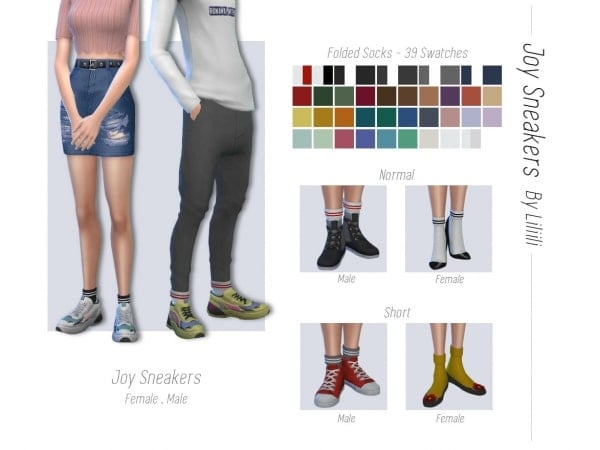
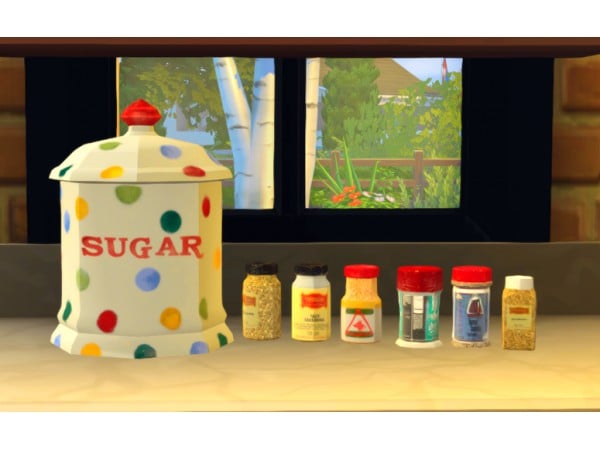
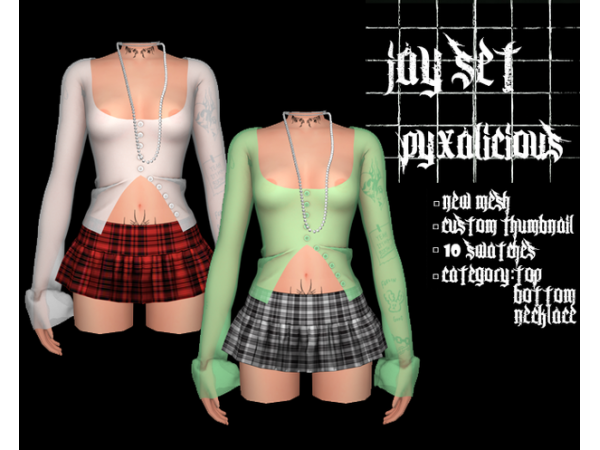
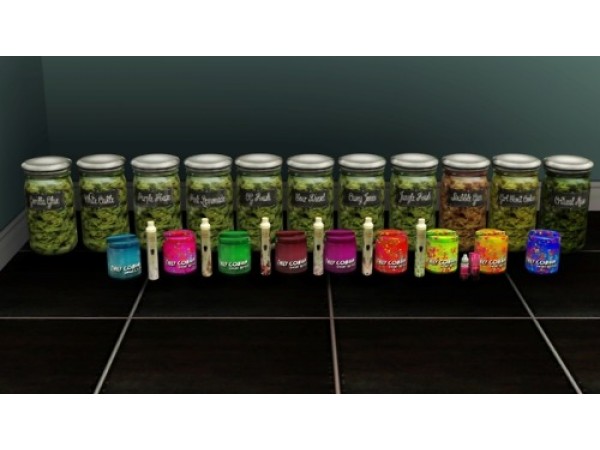
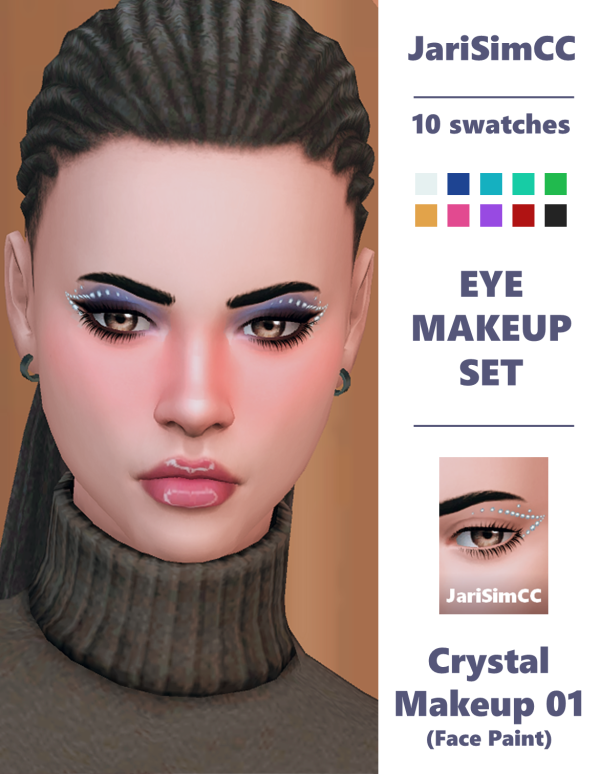
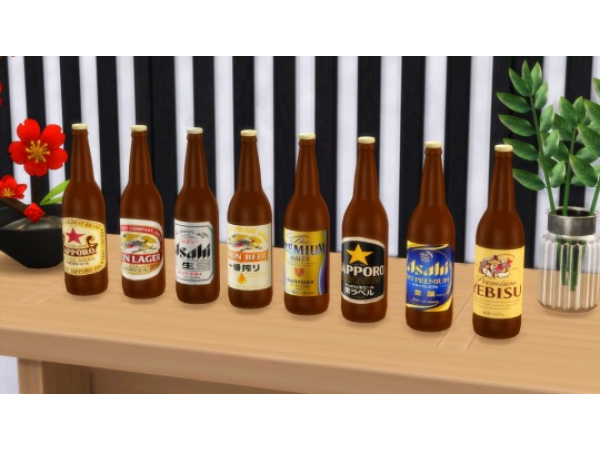
We're thrilled to share something special with our amazing supporters! 🌟 In this post, you'll find an all-in-one mega file containing every piece of custom content (CC) by SnootySims, ready for download.
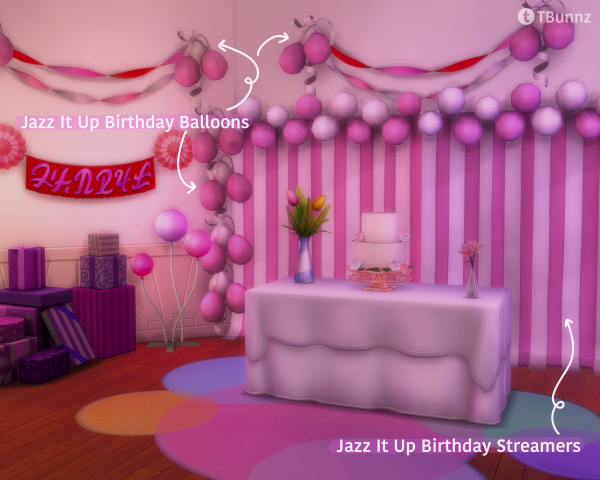
We’re not yet done with clutter coz we’re here to bring you “Beauty Vibes Clutter Set” – a total of 28 beauty clutter item. Why not give your Sims some additional cute beauty clutter in their bedroom or even bathroom?! And yes, items were mostly color pink/violet, as you can see. ♥
ERROR: OpenAI API error (code 429) – 429 You exceeded your current quota, please check your plan and billing details. For more information on this error, read the docs: https://platform.openai.com/docs/guides/error-codes/api-errors.
ERROR: OpenAI API error (code 429) – 429 You exceeded your current quota, please check your plan and billing details. For more information on this error, read the docs: https://platform.openai.com/docs/guides/error-codes/api-errors.
ERROR: OpenAI API error (code 429) – 429 You exceeded your current quota, please check your plan and billing details. For more information on this error, read the docs: https://platform.openai.com/docs/guides/error-codes/api-errors.
ERROR: OpenAI API error (code 429) – 429 You exceeded your current quota, please check your plan and billing details. For more information on this error, read the docs: https://platform.openai.com/docs/guides/error-codes/api-errors.
ERROR: OpenAI API error (code 429) – 429 You exceeded your current quota, please check your plan and billing details. For more information on this error, read the docs: https://platform.openai.com/docs/guides/error-codes/api-errors.
ERROR: OpenAI API error (code 429) – 429 You exceeded your current quota, please check your plan and billing details. For more information on this error, read the docs: https://platform.openai.com/docs/guides/error-codes/api-errors.
ERROR: OpenAI API error (code 429) – 429 You exceeded your current quota, please check your plan and billing details. For more information on this error, read the docs: https://platform.openai.com/docs/guides/error-codes/api-errors.
ERROR: OpenAI API error (code 429) – 429 You exceeded your current quota, please check your plan and billing details. For more information on this error, read the docs: https://platform.openai.com/docs/guides/error-codes/api-errors.
ERROR: OpenAI API error (code 429) – 429 You exceeded your current quota, please check your plan and billing details. For more information on this error, read the docs: https://platform.openai.com/docs/guides/error-codes/api-errors.
ERROR: OpenAI API error (code 429) – 429 You exceeded your current quota, please check your plan and billing details. For more information on this error, read the docs: https://platform.openai.com/docs/guides/error-codes/api-errors.
ERROR: OpenAI API error (code 429) – 429 You exceeded your current quota, please check your plan and billing details. For more information on this error, read the docs: https://platform.openai.com/docs/guides/error-codes/api-errors.