

Take cleaner, distraction-free CAS screenshots with a simple mod that hides the UI in seconds!
350 CC Items! Time to celebrate! 🎉
Before we begin: Thank you! We’re celebrating 3 years and 350+ CC items. As a gift, supporters can get all our free CC at once here: ALL IN ONE DOWNLOAD

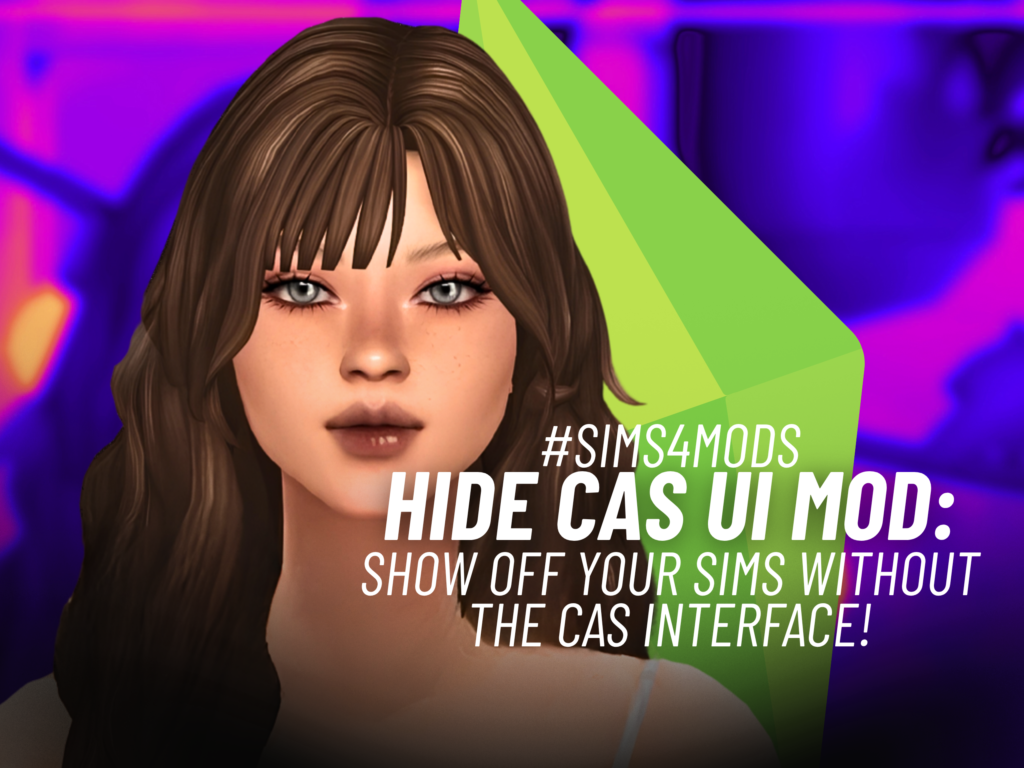
Taking screenshots of your Sims in Create-a-Sim just got a whole lot easier. The Hide CAS UI mod from TiniSims gives players a simple way to hide the entire CAS interface, letting you capture clean screenshots without all those buttons and menus getting in the way.
If you enjoy creating Sims, showing off new outfits, or taking polished CAS photos, this tiny quality-of-life mod can make the process much smoother. Best of all, it works with a single key press.
HIDE CAS UI Mod Lets You Hide the Entire CAS Interface
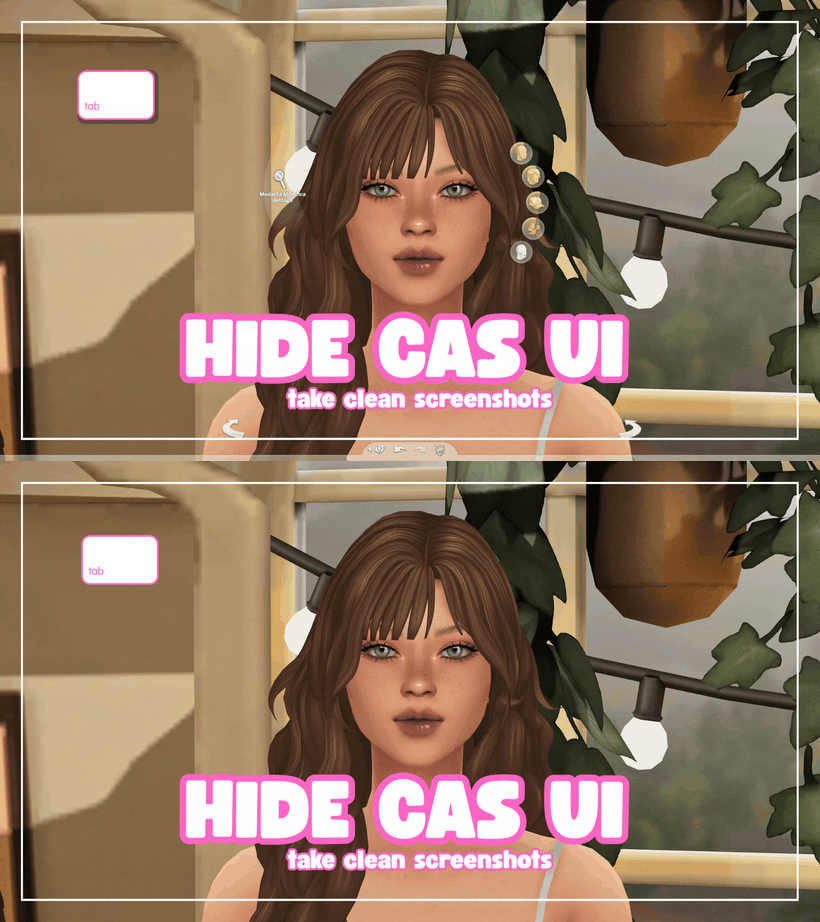
The HIDE CAS UI mod is all about making Create-a-Sim screenshots cleaner. Once installed, simply press TAB while you’re in CAS to hide the entire user interface and leave your Sim on screen without the usual CAS controls covering the view.
Want the interface back? Just press TAB again and everything returns instantly. The UI is also restored automatically when you leave Create-a-Sim, so you don’t have to worry about getting stuck with a hidden interface.
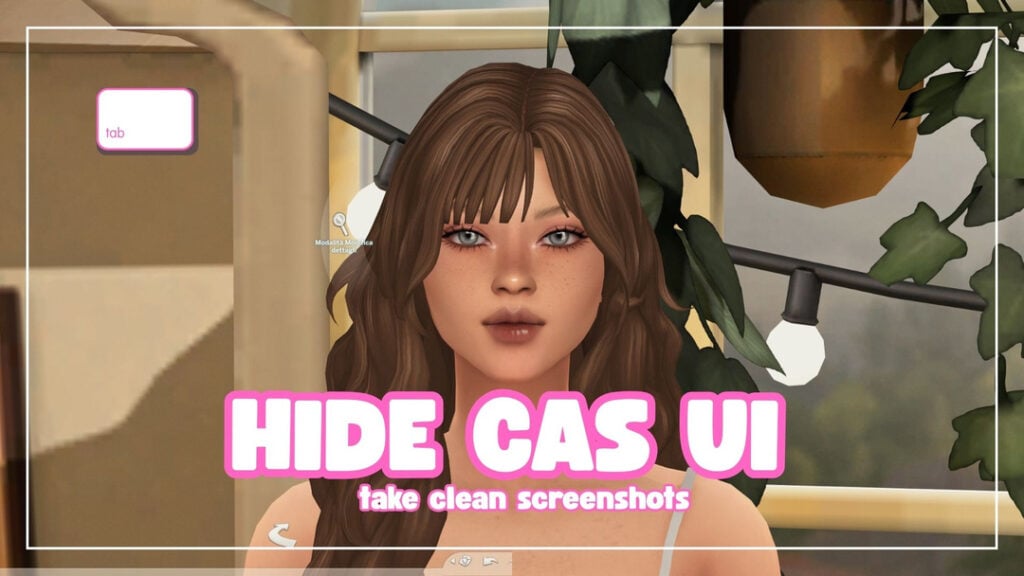
Take Cleaner Screenshots of Your Sims
With the CAS interface temporarily hidden, Simmers can focus completely on their Sim and capture screenshots without distracting menus around the edges. This can be especially handy for showcasing custom content, new outfits, hairstyles, genetics, or your latest Sim creations.
The mod doesn’t change your Sim or interfere with their outfits or genetics. It simply hides the CAS interface temporarily, making it a straightforward option for players who want cleaner CAS screenshots.
How the HIDE CAS UI Mod Works
There is really not much to remember here. Press TAB to hide the CAS UI, then press TAB again whenever you want to bring it back. When you leave CAS, the interface automatically returns as normal.
The mod is designed as a small, focused gameplay utility rather than something that changes how Create-a-Sim works. It doesn’t modify your Sims, outfits, genetics, or game files beyond providing the temporary UI-hiding function.
Final Thoughts
The HIDE CAS UI mod is a simple little addition, but it can be really useful for Simmers who love taking screenshots of their creations. Pressing one key to clear away the CAS interface makes it much easier to get those clean, focused shots of your Sims.
If you’re always taking CAS pictures for your Sims, CC showcases, or just your own gallery of creations, this is one of those handy mini mods worth keeping around.
Stay tuned on SnootySims for the latest new gameplay mods and exciting Sims 4 updates. Be sure to follow us on on Patreon and all our social media channels, including Google, Facebook, Twitter, YouTube, Instagram, TikTok, Pinterest, and Tumblr. Happy simming, Simmers!
Your Author: Hi! I'm Keith
SnootySims @ Patreon
Discuss with the SnootySims-Community:
What are your thoughts on this post? We'd absolutely love to hear your opinion! Feel free to drop a comment and share your thoughts. If you happen to spot a broken link or notice any outdated mods or custom content, please give us a heads up. We're a small team of Sims enthusiasts doing our best, and sometimes, we might miss a little hiccup. Your feedback means the world to us, and we appreciate your support immensely. Thank you a bunch! 🌈🎮